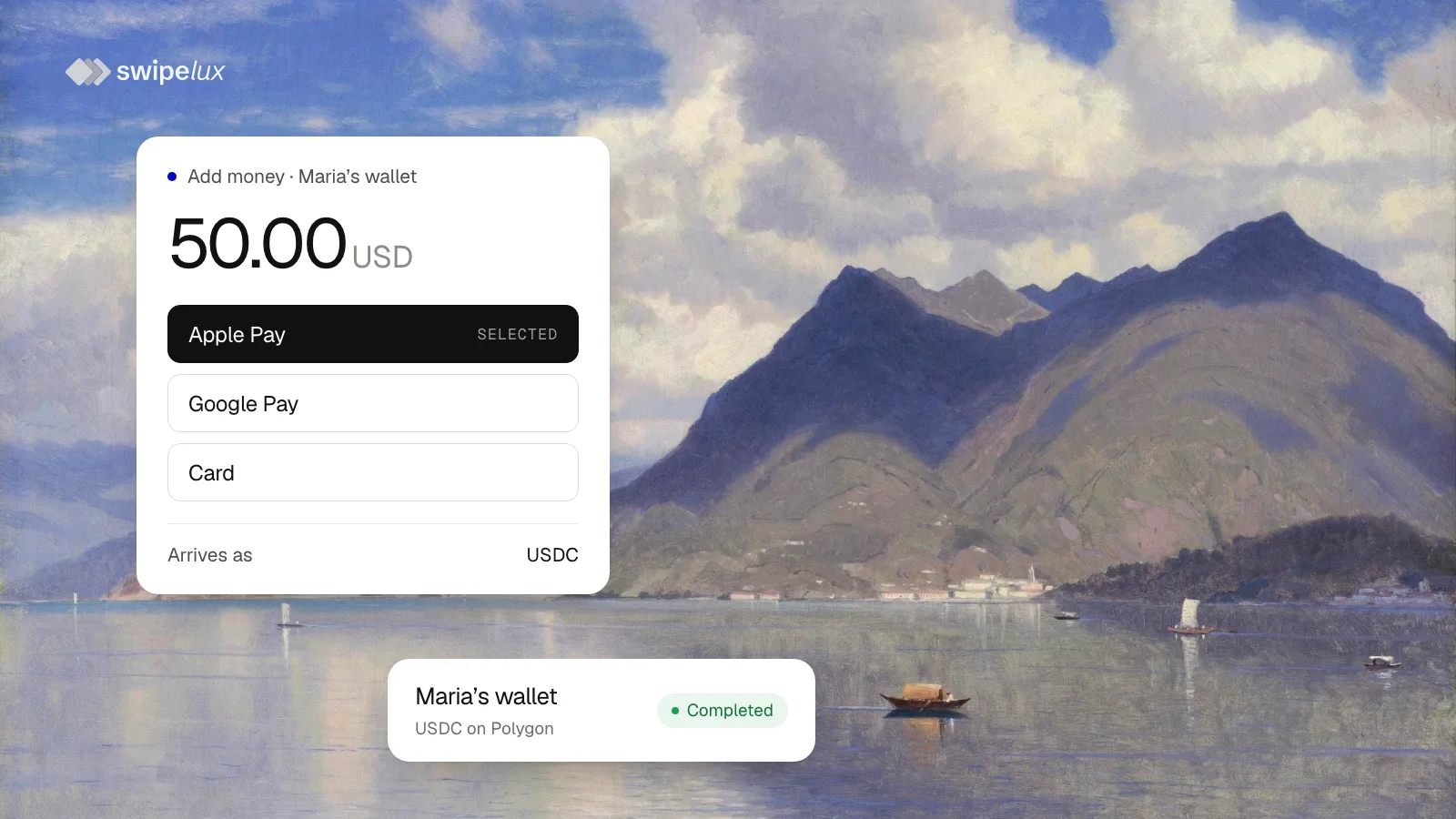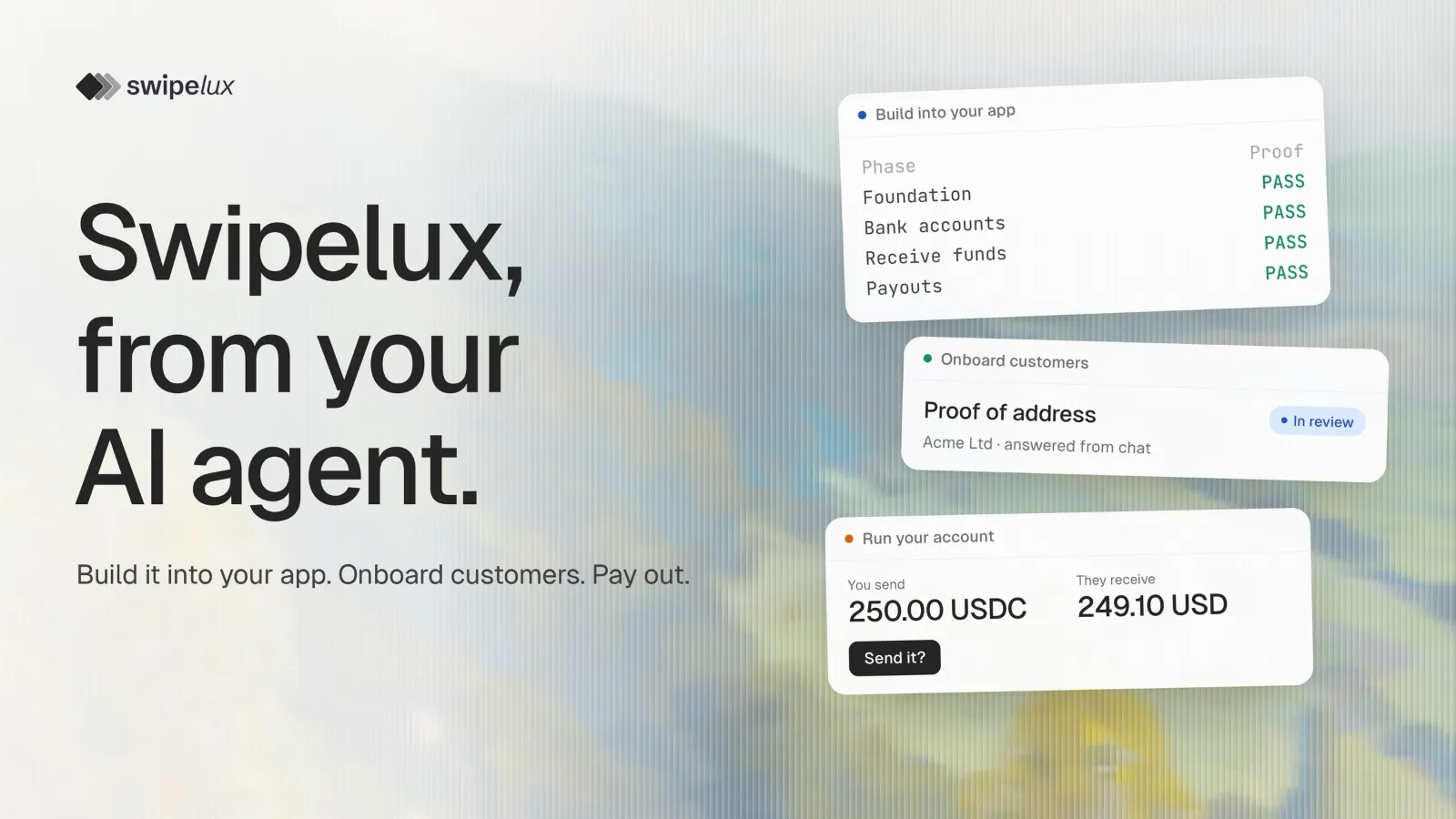
Integrating a payments API usually means weeks with the docs. The Swipelux AI wizard is a setup wizard that hands that work to the coding agent you already use, Claude Code or Codex. Run one command in your project, and the agent builds bank accounts, incoming payments and payouts into your app, then shows you that each one works.
npx @swipelux/wizardWhat you get
Three flows, all included by default:
- Bank accounts: named bank details for your customers, often called virtual accounts, with deposits landing in a stablecoin wallet.
- Receive funds: one-time bank payments into that wallet, also called pay-ins.
- Payouts: money from the wallet to someone else's bank account, the off-ramp.
Underneath, the agent adds what those flows need: customer onboarding with the Bank's terms and identity checks, a wallet, and updates from Swipelux whenever something changes. Untick any flow you don't need.
How it works
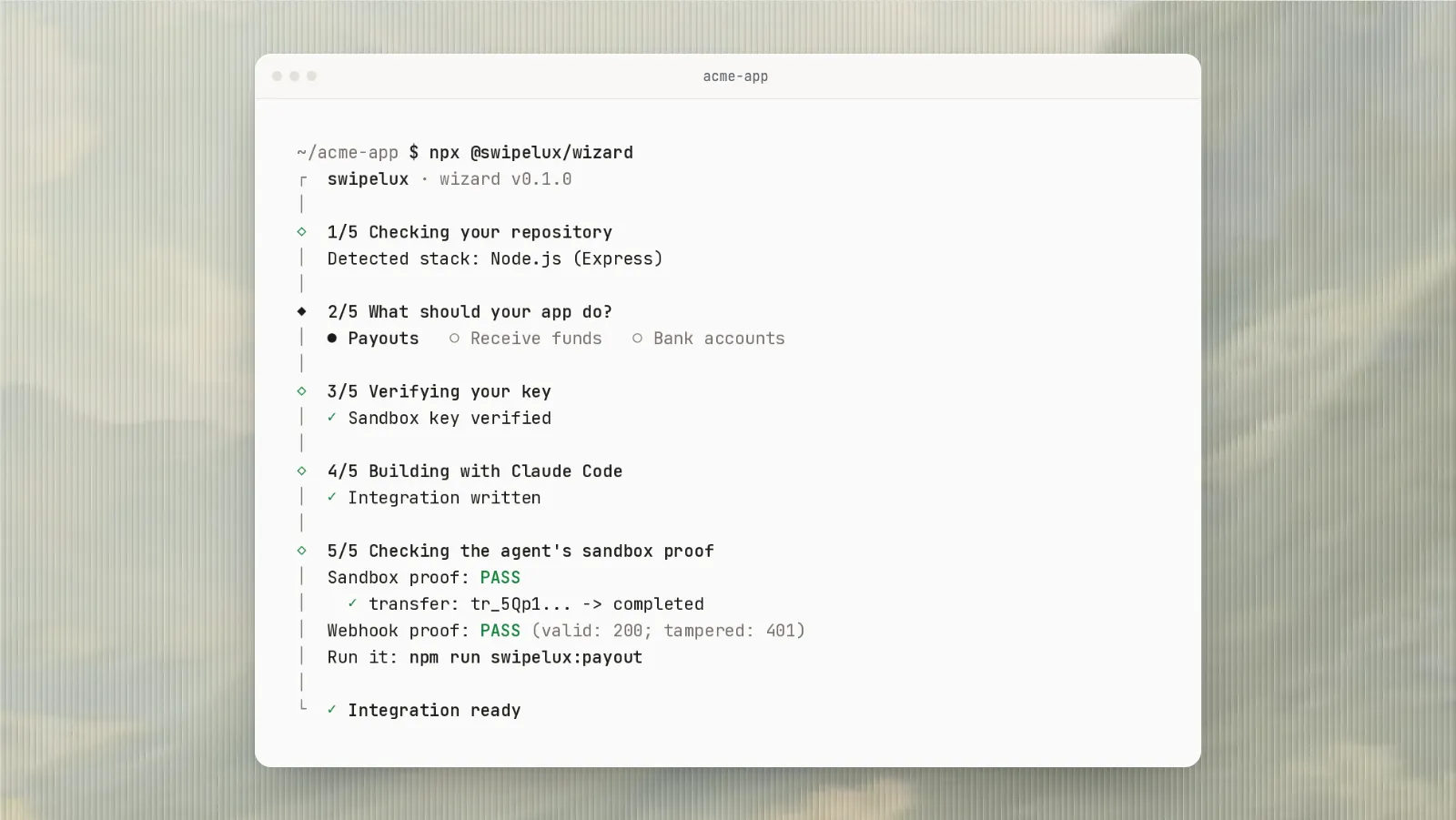
One run goes through five steps, and the terminal shows each:
- Checks your repository: detects your stack and finds your coding agent and any Swipelux code already there.
- Asks what your app should do: all three flows, or only the ones you pick.
- Verifies your key: you approve a login in your browser.
- Builds with your agent: first what every flow needs, then each flow you picked, in one session.
- Checks the proof: tests every flow in Sandbox before it calls the run done.
It fits the app you already have
The agent works with your existing customers, screens and background jobs instead of adding a separate payments module. The new code looks like the rest of your app, so your team can review it and keep building on it.
The agent never sees your Swipelux key, nothing is committed for you, and the wizard tells you how to undo the run.
Done means it works in Sandbox
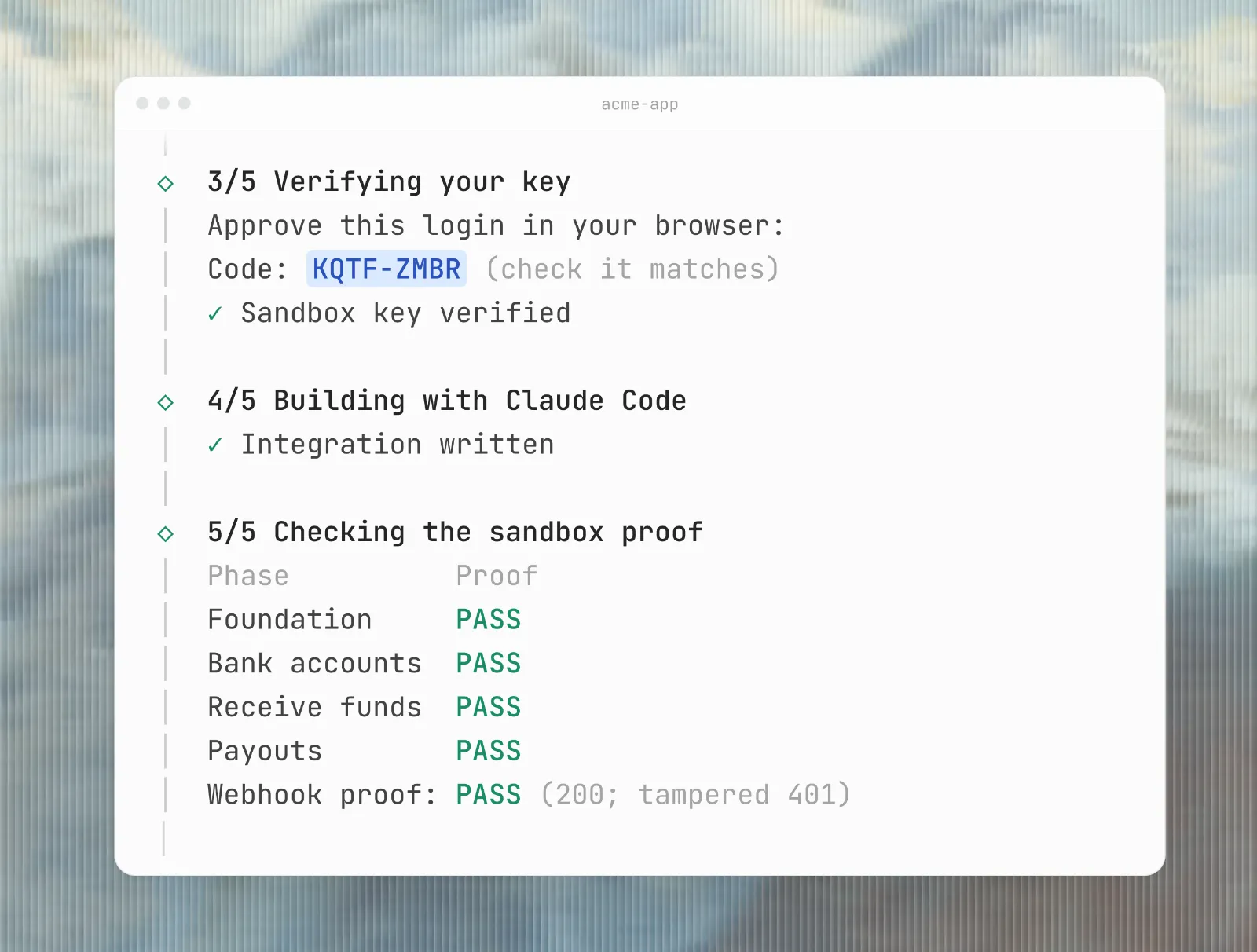
The wizard doesn't stop when the code is written. It runs every flow against Sandbox and shows the result for each, as in the table above: every flow marked PASS. If a flow fails, the run says so and you can pick up where it stopped.
Already integrated?
Run the same command in a project that already uses Swipelux. The agent reviews your integration first, ranks what to improve, and fixes only the points you choose.
Already chatting with your coding agent? Paste a prompt from the wizard's page on npm into the same chat instead.
Questions people ask
Can Claude Code integrate bank accounts into my app?
Yes. Run npx @swipelux/wizard in your project, and Claude Code or Codex adds named bank accounts for your customers, incoming payments and payouts, then checks each flow in Sandbox.
How long does the integration take?
The build is one run of your coding agent, limited to 90 minutes unless you raise the limit. If a run stops, npx @swipelux/wizard --resume continues from the last finished step. Then your team reviews the code.
Which coding agents does it work with?
Claude Code and Codex. If you have both, you choose. The AI agents page shows what Swipelux does in each.
Do I still need a developer?
The agent writes the code. Someone on your team should review the changes before they ship, like any other code.
Does it touch real money?
Not with a Sandbox account: every check runs on example data. With a live key, the agent doesn't call your account at all and checks the code with simulated responses instead.
Which languages does it support?
It detects the stack your app already uses, such as Node.js with Express, asks you to confirm it and writes the integration in it. In a new project it builds in the stack you choose.
What can I do once the integration is live?
Run the account itself from chat. Ask your AI agent about the Bank's requests or to send a payout: Let your AI agent handle KYB and payouts.
Start now
You need Node.js 18 or newer on macOS or Linux (WSL on Windows), a git repository with no uncommitted changes, and Claude Code or Codex installed and signed in.
- Sign up for Swipelux; Sandbox is ready right away.
- Open your project and run
npx @swipelux/wizard. - Approve the login in your browser and confirm the flows you want.
- Review the changes and the Sandbox results, then ship.