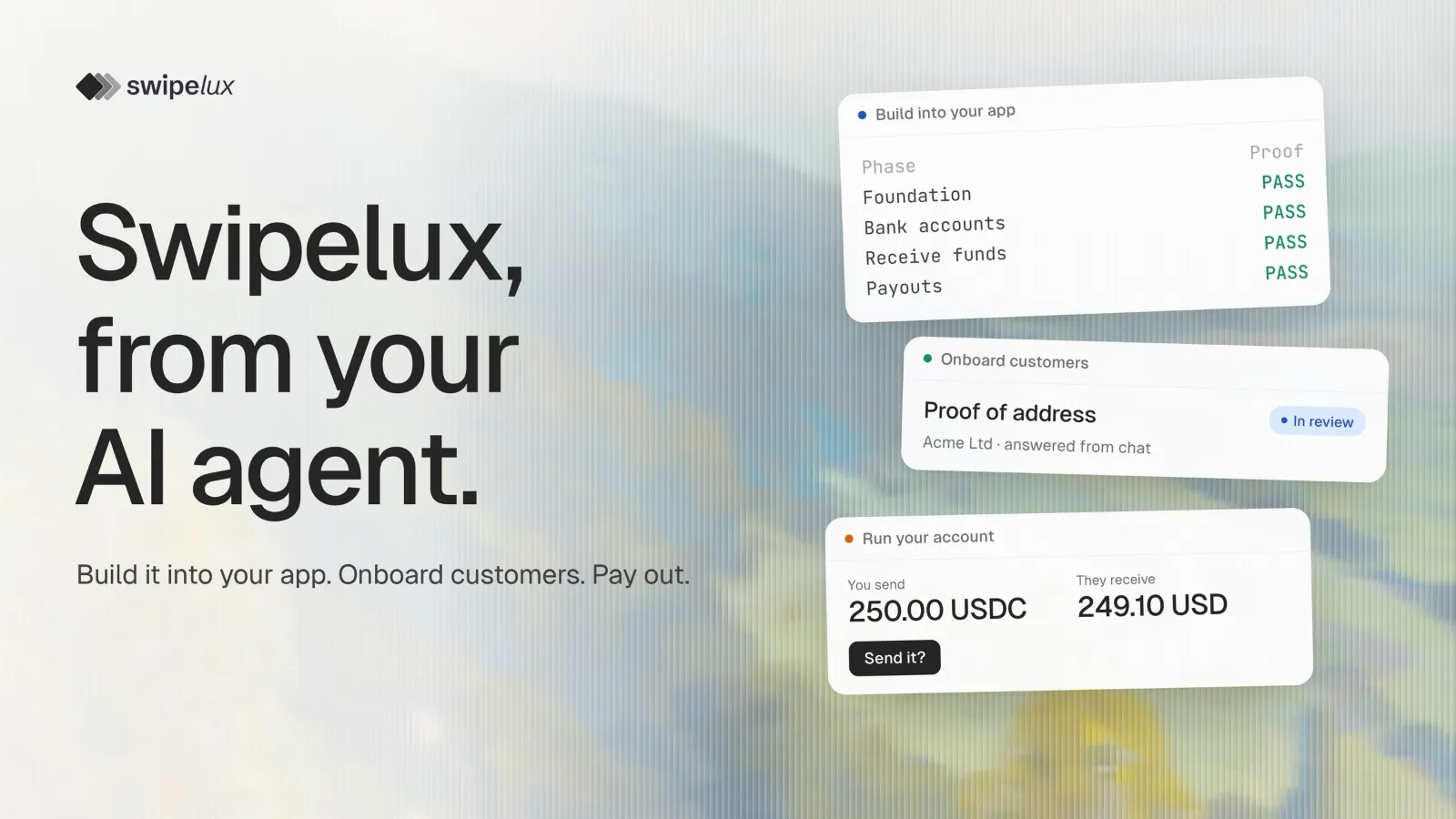
Swipelux now works inside Claude, ChatGPT and Codex through the Swipelux MCP server. MCP is the open standard AI apps use to connect to other services. Connect your account once, and the chat you already use can answer the Bank's compliance and KYB requests, upload documents and send payouts. You ask in plain words, and the agent does the dashboard work.
Answer the Bank's KYB requests without opening the dashboard
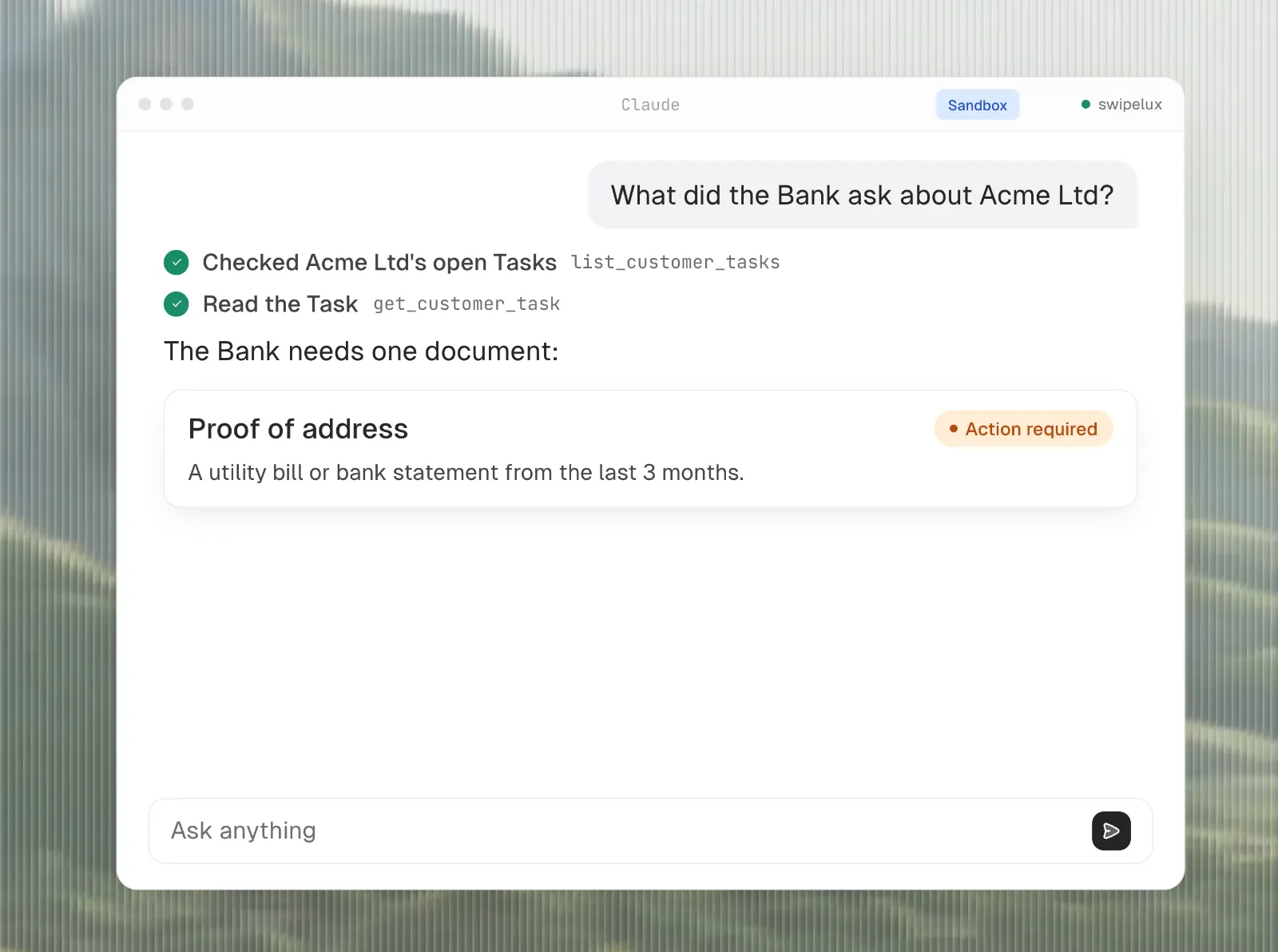
Ask "What does the Bank still need from Acme?" and the agent explains it in plain words: a proof of address from the last three months.
Then say "Find Acme's utility bill and upload it." If your agent can see your files, it uploads the document itself. If not, it gives you a link to drop the file in. Either way, it sends the document to the Bank for review.
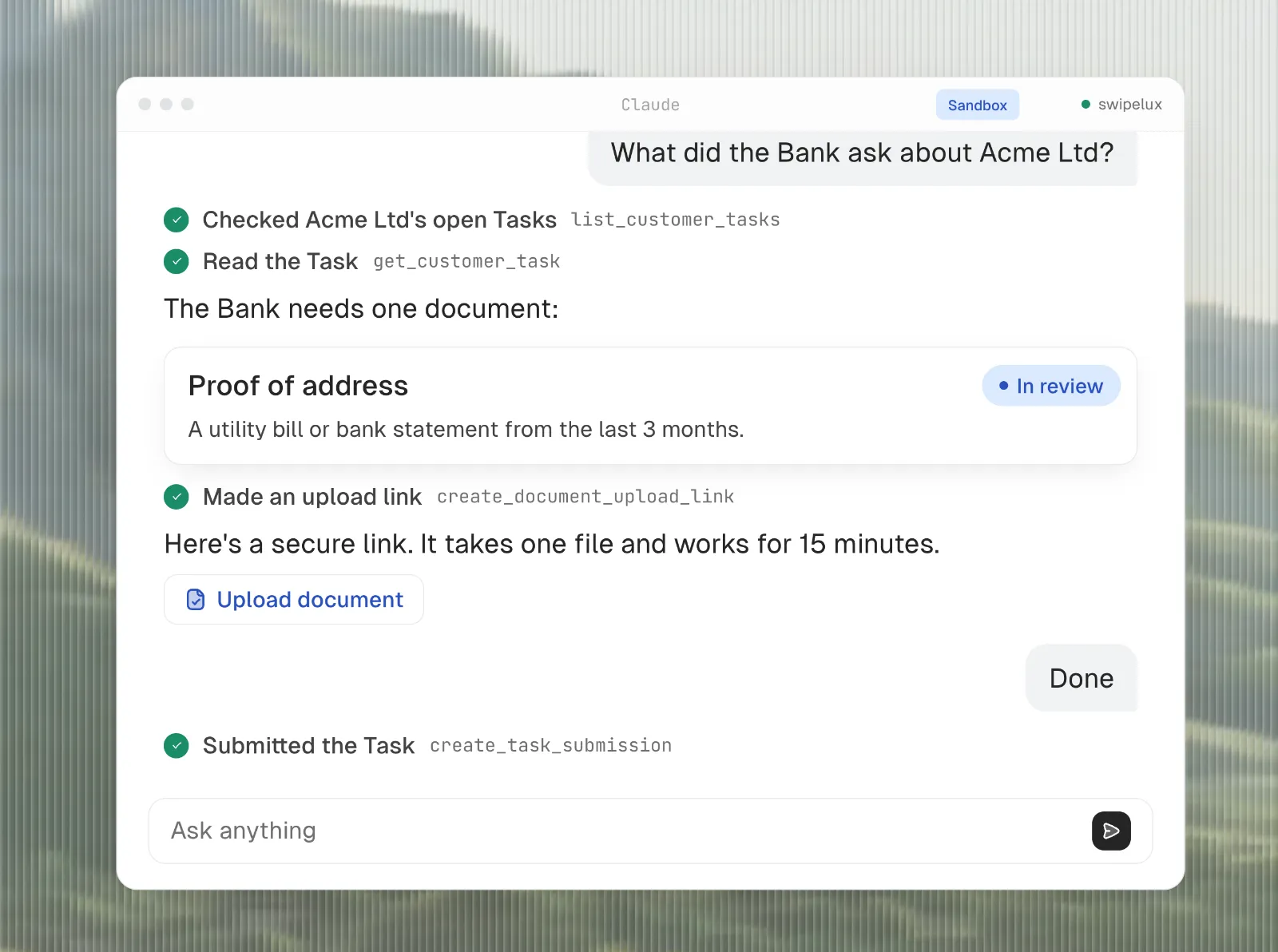
The same works for the rest of onboarding:
- "Which customers still owe documents?"
- "Create a business customer for Acme Ltd and add its two directors."
- "Open USD bank accounts for Acme."
Send a stablecoin payout in one sentence
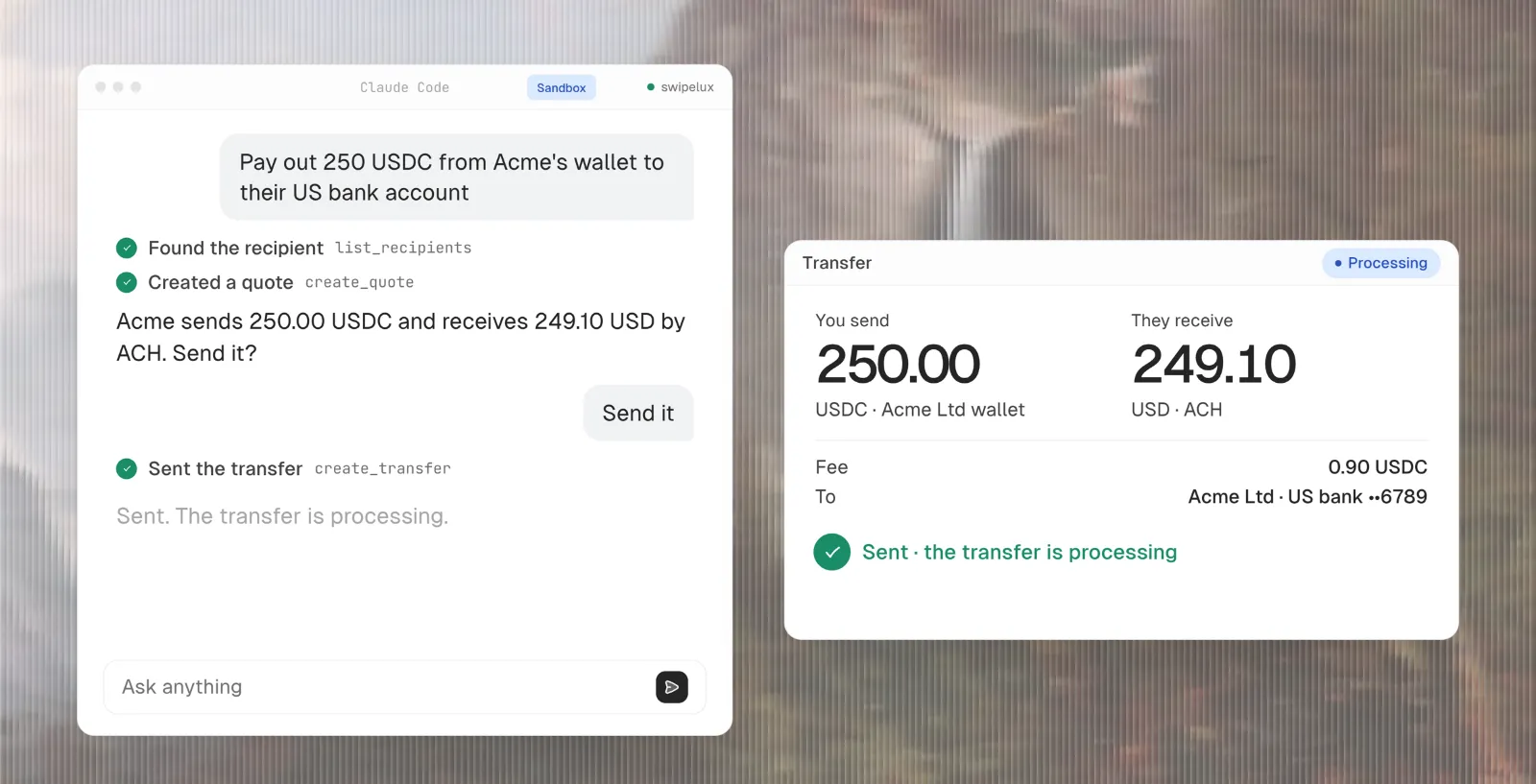
"Pay out 250 USDC from Acme's wallet to their US bank account." The agent shows what leaves and what arrives: 250 USDC out, 249.10 USD in by ACH, a 0.90 USDC fee. Say "Send it" and the payout goes. That is a whole off-ramp, from stablecoins in a wallet to dollars in a bank account, in two messages.
The next morning, "What came in today?" lists the day's deposits.
Try everything in Sandbox first
In Sandbox, the agent works on example data and can also play the Bank. Ask it to top up a wallet, approve a request or make a payout fail, and see what your team and customers would see, without real money.
Your agent already knows how Swipelux works
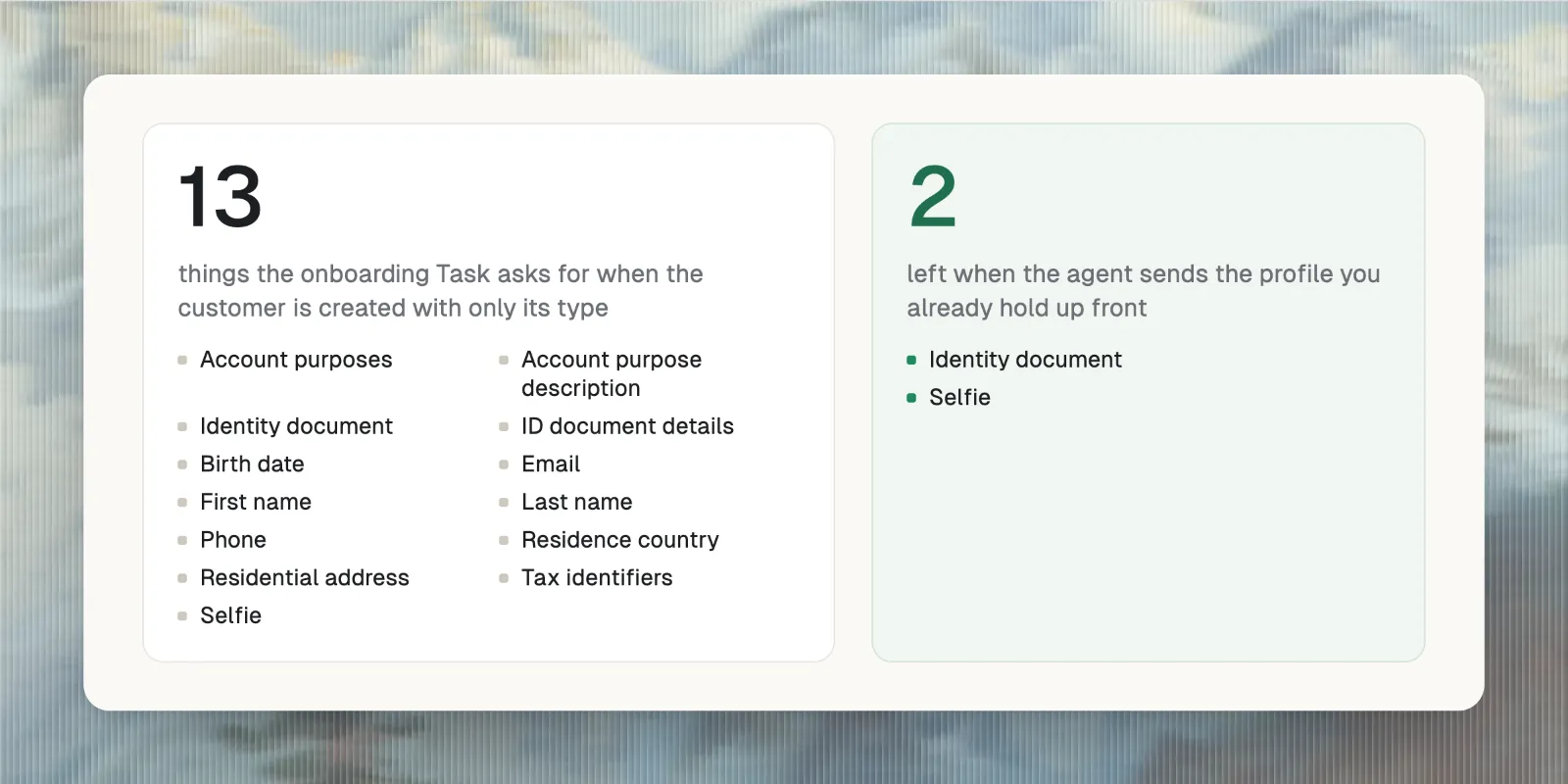
The Swipelux plugin also teaches the agent how Swipelux works, so you don't have to explain it. It sends the customer's details up front: in our Sandbox test, that cut the Bank's onboarding questions from 13 to 2, so there is less back and forth with your customer. It reuses documents the customer already uploaded, and it shows the fee before every payout.
Connect the Swipelux MCP server in about a minute
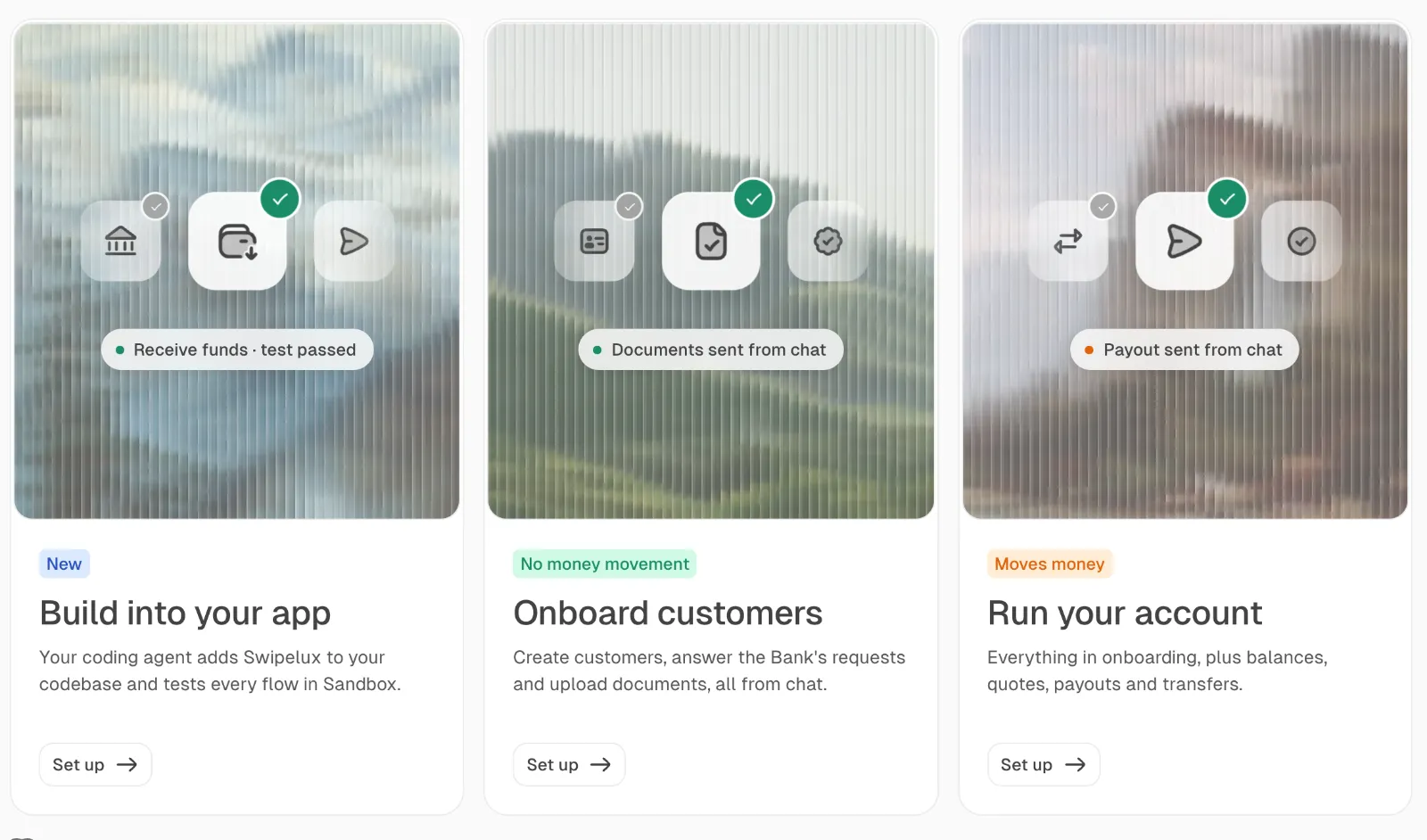
Open Agents in your Swipelux dashboard. Choose what you want done:
- Onboard customers: create customers, answer the Bank's requests and upload documents.
- Run your account: all of that, plus balances, quotes and payouts.
Then pick your app, and the page shows the steps for it. In Claude and ChatGPT you add the Swipelux connector; ChatGPT needs a Business or Enterprise plan. In Claude Code and Codex you install the Swipelux plugin. The AI agents page has the connector address and the commands, and the guide covers every setup option.
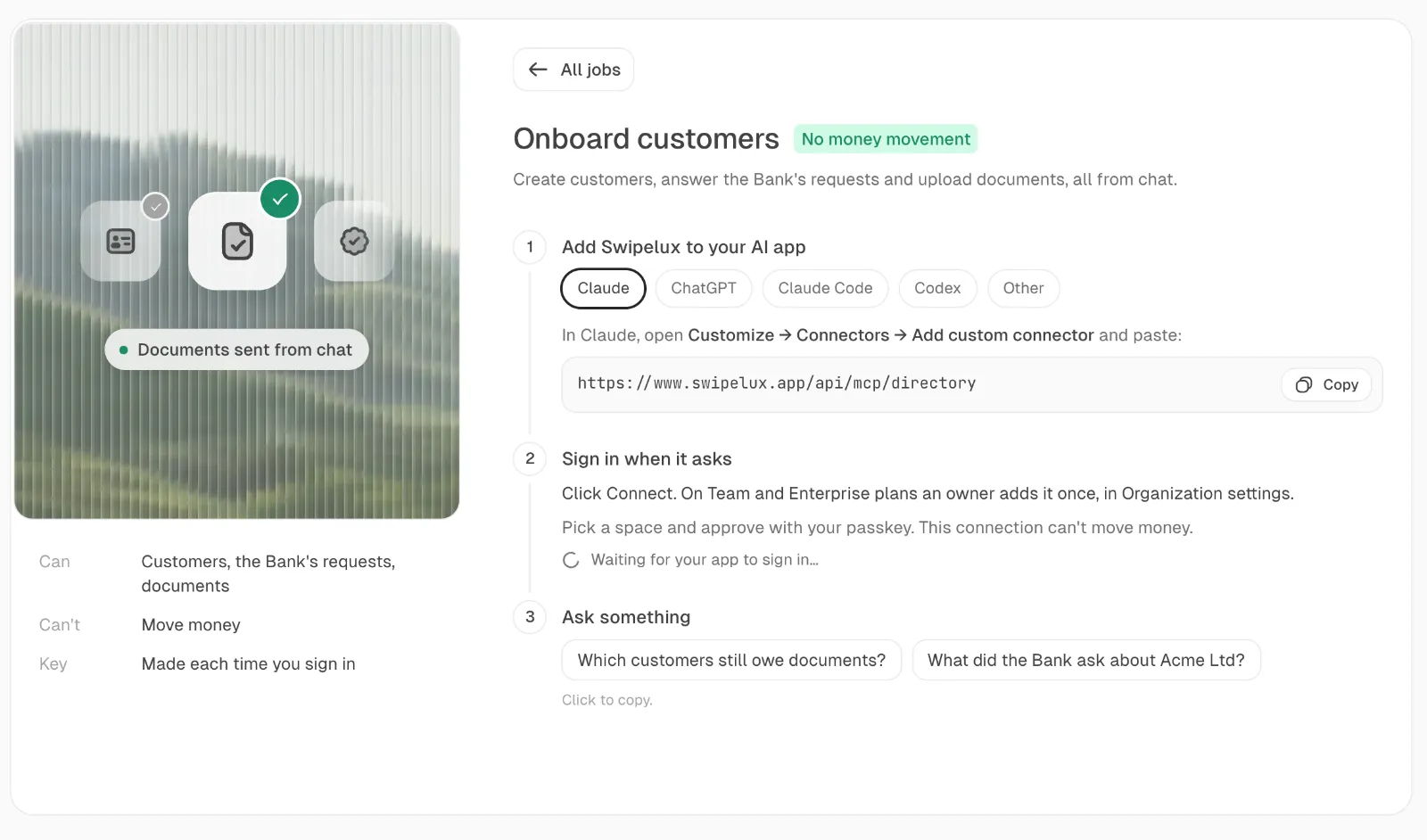
When the app asks you to sign in, Swipelux opens in your browser. Pick Sandbox or a live space and confirm with your passkey. There's no API key to copy.
See and stop every connection
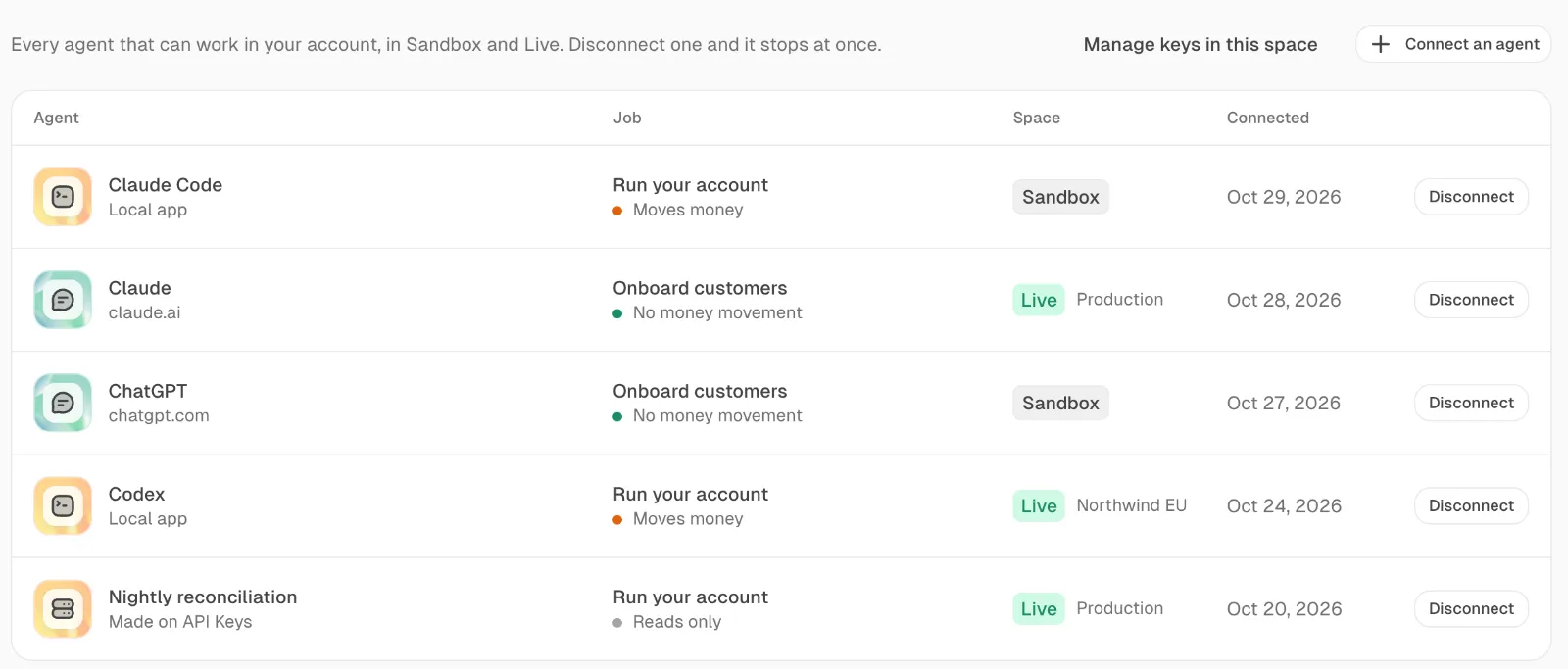
Your agents on the same page lists every connected app with its job, its space and the day it connected. Disconnect stops it at once.
Building a product on Swipelux?
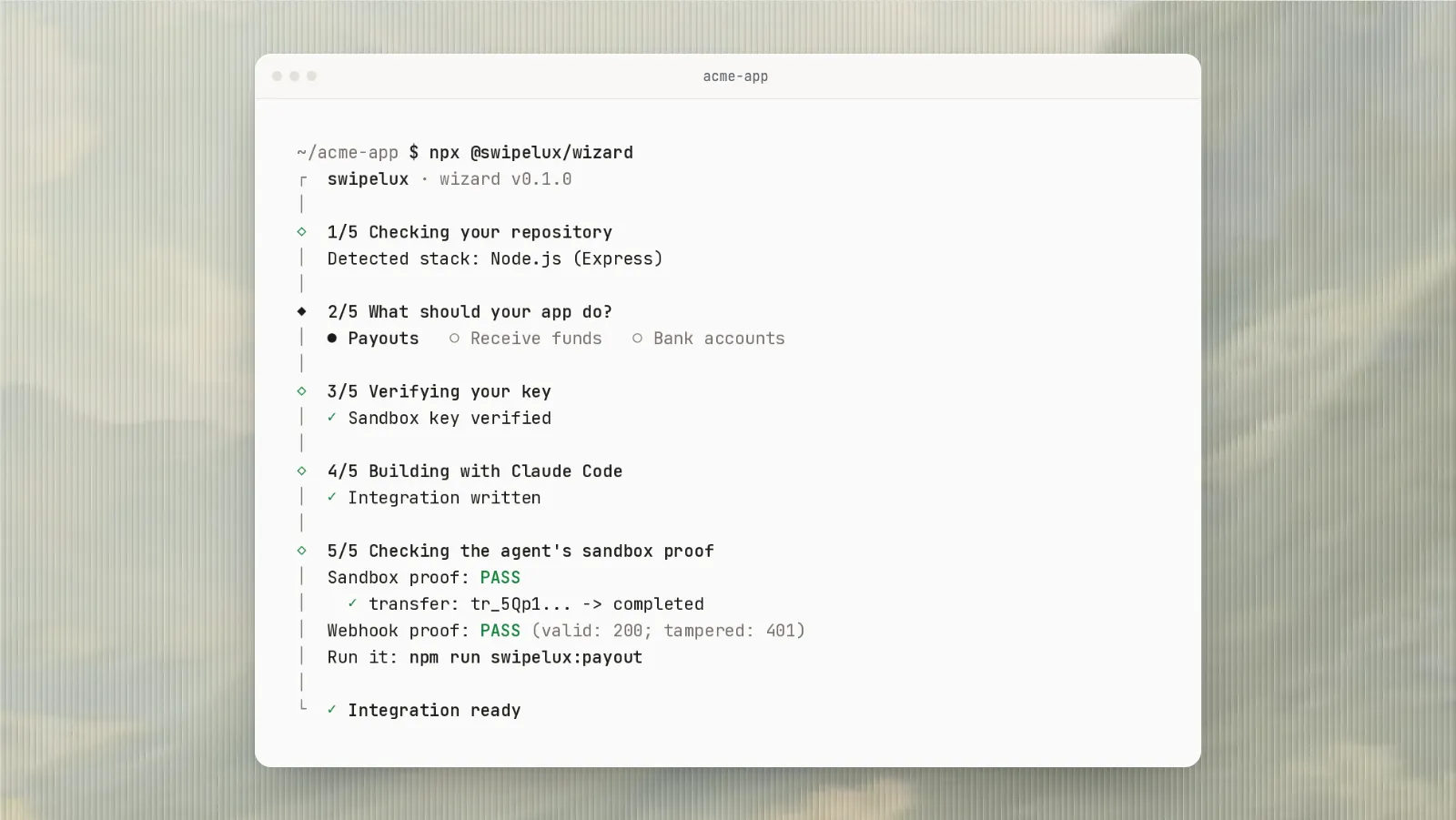
That's a different job: adding Swipelux to your own app. The Swipelux wizard has your coding agent write the integration and check it in Sandbox: Let your coding agent build your Swipelux integration.
Start in five minutes
- Open Agents in your Swipelux dashboard. No account? Sign up; Sandbox is ready right away.
- Pick Run your account, then your app, and follow the steps.
- Sign in to Sandbox and ask "Which customers still owe documents?"