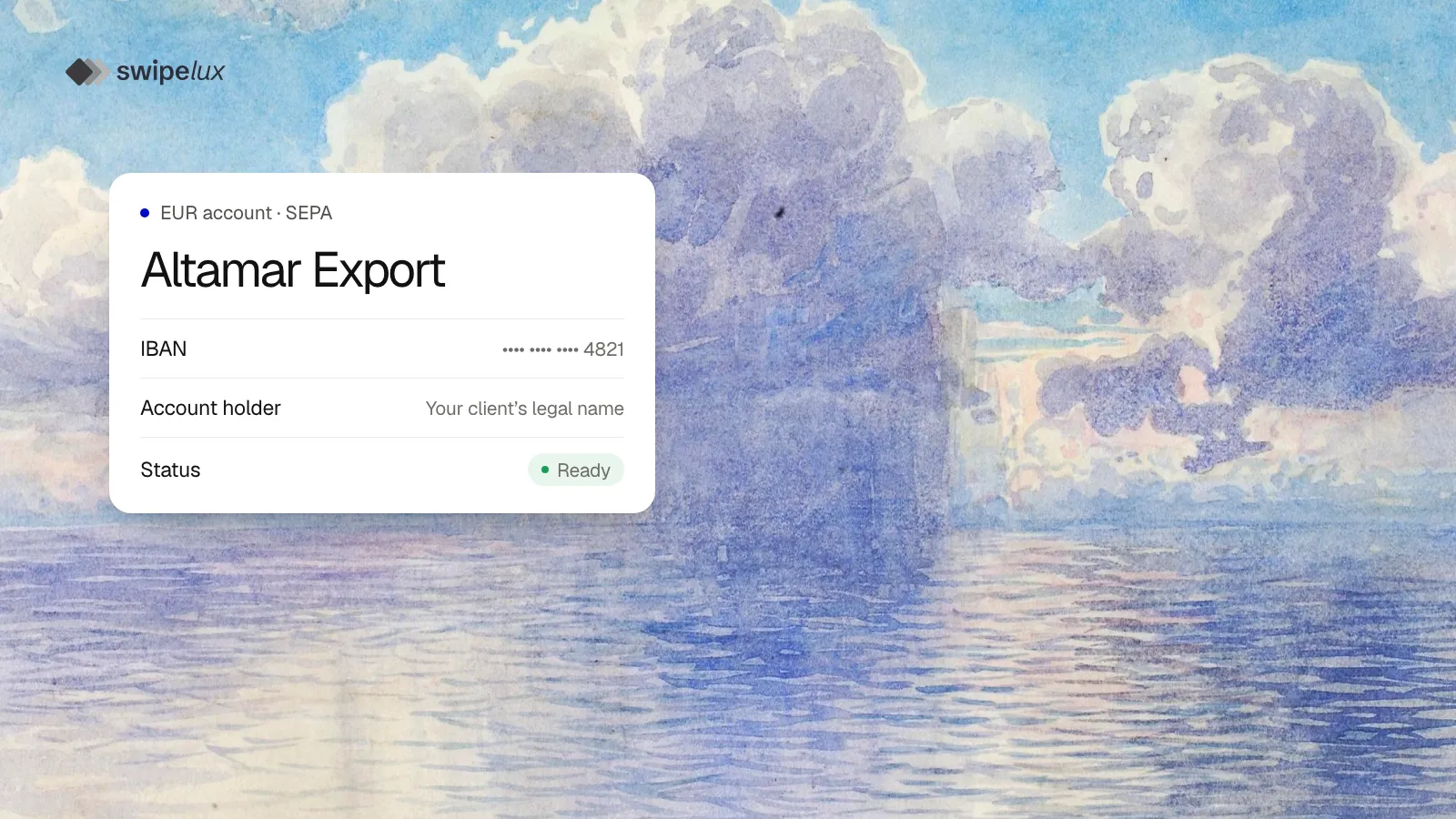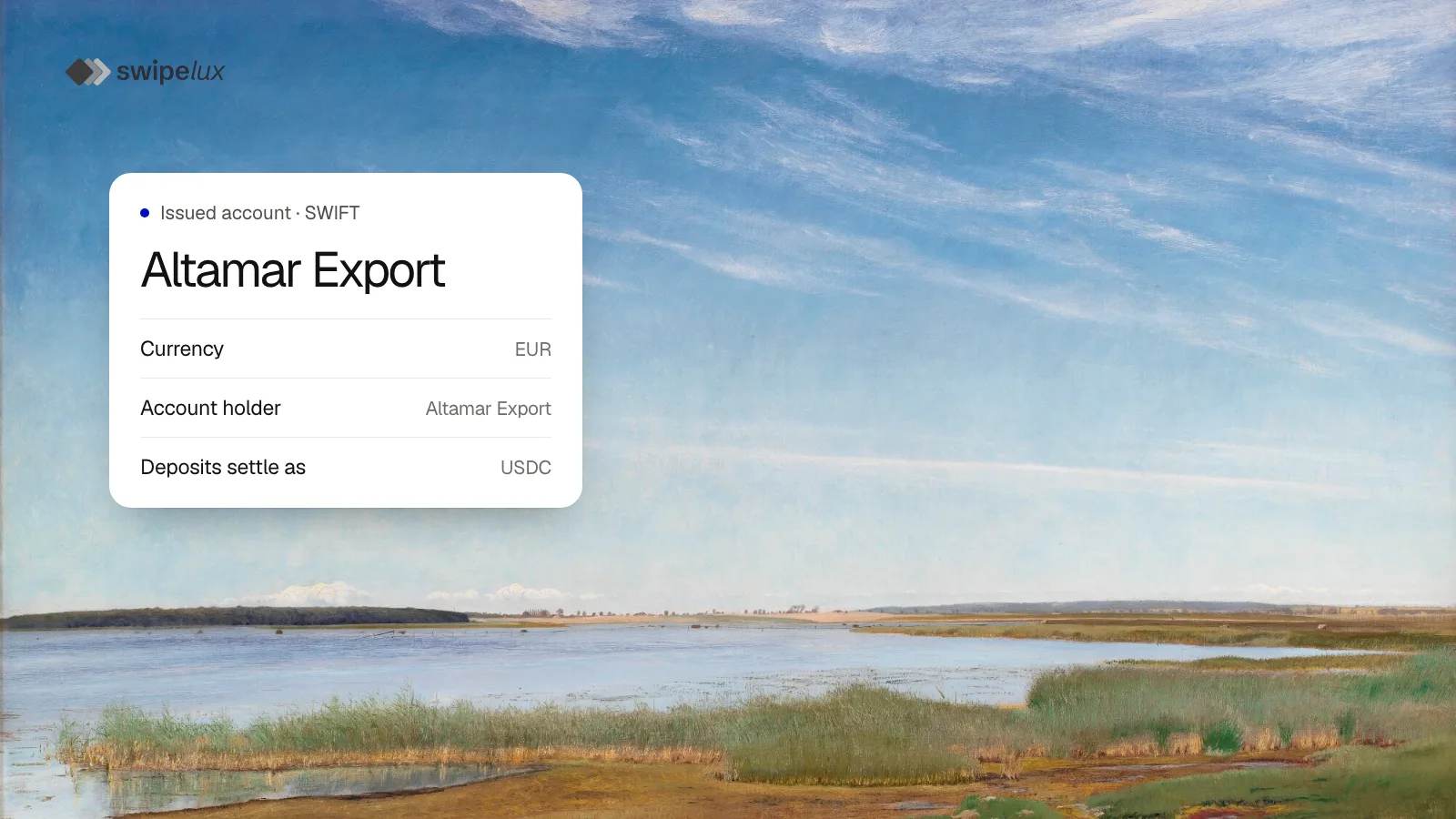
On Swipelux, each of your business clients can hold SWIFT accounts in its own name in 17 currencies, including EUR, GBP and JPY, one account per currency. All of them open under the client’s single Lead Bank approval. A deposit settles to the client’s wallet as USDC. The same approval lets the client send SWIFT payouts in those currencies, funded from USDC.
About half of the companies we spoke with on sales calls since May asked for EUR or GBP accounts, and about one in three asked for SWIFT. Their clients get paid by buyers abroad and pay suppliers in the supplier’s currency.
Which currencies can a multi-currency SWIFT account receive?
A multi-currency SWIFT account receives AUD, CAD, CHF, CZK, DKK, EUR, GBP, HKD, HUF, JPY, MXN, NOK, NZD, PLN, SEK, SGD and ZAR. Each currency is a separate account with its own details, and a client holds one account per currency.
GET /v3/customers/{customerId}/capabilities/supported lists these currencies on the lead_bank entry of swift_named, each with the institution ID to send when you open that account. The Bank decides which of them each client can open, and the account shows its decision: a currency the Bank does not offer this client ends rejected with statusReason.code: currency_unavailable. For USD SWIFT accounts, the same response lists the banks open to each client. The capabilities guide shows the response.
Whose name is on the account?
The client’s. Each account is a named account: dedicated bank details for that one client, reusable by any sender. A named account is the opposite of a pooled account, where many businesses share one set of details and a reference tells their payments apart. The named vs pooled guide covers the difference in full.
The details for an issued SWIFT account carry details.accountHolderName and details.accountHolderAddress for the client, with details.bankName, details.swiftCode and details.accountNumber. details.swiftCode is the receiving bank’s BIC. A BIC is the bank’s identifier on the SWIFT network, 8 or 11 characters under ISO 9362. Senders copy the beneficiary address exactly into their international wire, so show it as the API returns it.
Payers see the client, not your platform, as the beneficiary. The client also sends payouts under its own name.
How do you open a EUR, GBP or JPY account through the API?
Opening a currency account takes a ready SWIFT capability at Lead Bank, a settlement wallet, and one request per currency. In order:
- Request the
swift_namedcapability atlead_bankfor the client and complete its tasks. Every currency account opens under this one approval. - Create an issued wallet for the same client and wait until it permits settlement. Deposits are credited to this wallet.
- Open the account with
POST /v3/customers/{customerId}/accounts, sending the currency and theinstitutionID listed for that currency. - Read the account until
detailsis present, then show the client every detail it returns, includingdetails.bankAddress, any intermediary bank fields, anddetails.referencewhendetails.referenceRequiredis true.
{
  "origin": "issued",
  "type": "bank",
  "method": "swift",
  "country": "US",
  "currency": "EUR",
  "institution": "INSTITUTION_ID",
  "settlement": {
    "accountId": "SETTLEMENT_WALLET_ID"
  },
  "label": "EUR SWIFT account"
}
Swipelux reserves one issued account per client, method, currency and bank, so a second EUR request at the same bank returns 409 conflict. When the SWIFT code or account number of an issued account changes, Swipelux sends the account.details_changed webhook; read the account again and show the current details. The issue a bank account guide has every field.
What happens when a payment arrives in EUR or GBP?
A SWIFT deposit in the account’s currency settles to the client’s settlement wallet as USDC. The transfer record shows both sides: amounts.in is the amount received in the account’s currency, and amounts.out is the USDC delivered. The client’s balance is USDC in its wallet, not a EUR or GBP bank balance.
Deposits to these accounts settle in USDC only. A non-USD account whose settlement wallet holds USDT returns 400 invalid_settlement_target on create and on update. USDT settlement is for USD accounts. From the wallet, the client pays out again by SWIFT, or sends the USDC on-chain.
How do SWIFT payouts in EUR, GBP and other currencies work?
A client with a ready Lead Bank swift_named capability sends SWIFT payouts in the same 17 currencies, from USDC. Your platform saves the payee’s account, creates a quote with POST /v3/quotes, with an exact USDC amount and the payout currency, and executes it with POST /v3/transfers, sending only the quote’s quoteId. The payee can be the client’s own account in another country or a supplier. The send funds guide has the full flow.
POST /v3/quotes
{
  "customerId": "CUSTOMER_ID",
  "capabilityId": "CAPABILITY_ID",
  "in": {
    "amount": "150.00",
    "currency": "USDC",
    "accountId": "SOURCE_WALLET_ID"
  },
  "destinationId": "PAYOUT_DESTINATION_ID",
  "out": {
    "currency": "EUR"
  }
}
Swipelux takes its fee in USD from the USDC amount, and the Bank converts the rest at its own rate. Before the client confirms, show the quote’s fees and its out.amount as an estimate: the quote marks it out.amountEstimated: true, and a request that sets out.amount returns 422 validation_error. The quote also returns expiresAt; execute it only while its status and expiresAt permit it. When the payout completes, amounts.out and amounts.settled show what was delivered. JPY amounts have no decimals.
The Bank decides which payout currencies each client can use. A quote in a currency the Bank does not offer the client returns 422 bank_not_supported_for_customer at /out/currency. A returned payout goes to Swipelux review and is not refunded automatically.
The pricing page lists one transaction fee of 0.01–0.5% per transfer, set by corridor and volume, with outgoing bank charges at cost and shown in the quote.
The payee’s account number depends on the currency:
| Payout currency | Payee account number |
|---|---|
| EUR, GBP, CHF, CZK, DKK, HUF, NOK, PLN, SEK | A valid IBAN |
| AUD, CAD, HKD, JPY, NZD, SGD, ZAR | A valid IBAN or a local account number of 5 to 34 digits |
| MXN | A valid IBAN or the 18-digit CLABE |
An IBAN is the international standard for account numbers, ISO 13616, with one national format per country. A CLABE is the 18-digit number that Banco de México uses to identify an account for SPEI transfers. Every foreign-currency SWIFT payout also needs the payee bank’s bankAddress and bankCity, and a postal code in the holder’s address. A destination that breaks these rules returns 422 recipient_destination_invalid, with errors[].code naming the problem.
Receiving vs paying out: what differs
Receiving and paying out use the same Lead Bank SWIFT capability and the same list of 17 currencies. The Bank decides separately which of them each client can receive in and which it can pay out in:
| Receive (SWIFT account) | Pay out (SWIFT payout) | |
|---|---|---|
| What it is | Reusable details in the client’s name | One transfer to a bank account |
| Capability | Lead Bank swift_named | Lead Bank swift_named |
| Currency in | The account’s currency | USDC |
| Currency out | USDC in the settlement wallet | The payout currency |
| Amounts | amounts.in and amounts.out | Estimate in the quote, delivered amount on completion |
| Sandbox | Not available | Not available |
Multi-currency SWIFT account vs local details like SEPA
A SWIFT account receives international wires in its currency from banks connected to SWIFT. Local details work on one domestic scheme: SEPA Credit Transfer carries euros between accounts in 41 European countries, for the full original amount with no deductions. Swipelux issues named EUR details for SEPA as a separate capability, sepa_named. The details of these SWIFT accounts name a receiving bank in the United States, so a payer in Europe or Asia pays them with an international SWIFT wire, not a domestic payment.
Use SEPA details when your client’s payers send euros from inside SEPA. Use a SWIFT account for payers whose banks send euros from outside SEPA, and for GBP, JPY and the other currencies in the list. The virtual IBAN guide covers SEPA accounts, and the rail comparison covers SWIFT against ACH, wire and RTP.
Which clients does the Bank accept?
The Bank decides, and the API tells you before you ask for an account. Lead Bank offers its named SWIFT capability only to clients it can onboard, based on their legal form and the countries on their profile, and the currency accounts open under that approval. The supported-capability response lists the banks open to each client and, under unavailableInstitutions, the banks that do not accept this client, each with a reason code such as jurisdiction_unsupported or legal_form_unsupported.
Show those reasons in your onboarding screens rather than a generic error. The KYB documents guide lists what a bank asks a business for.
For payment platforms whose clients sell and buy abroad
If you run a B2B payments platform or a business neobank, your clients often invoice buyers in Europe, the UK or Asia and pay suppliers in yet other currencies. With these accounts, each client gets its own EUR, GBP or JPY details for buyers to pay, the money lands as USDC in the client’s wallet, and the same wallet funds the client’s SWIFT payouts to suppliers in their currency. Deposits and payouts both appear as transfers in the same API. The import and export page shows that flow. To plan currencies and banks for your client base, talk to our team.
Questions people ask
Can my clients get a GBP account in their own name?
Yes. A business client with a ready Lead Bank SWIFT capability can open a GBP SWIFT account in its own name, with the client as account holder on the details. The same works for EUR, JPY and 14 other currencies, where the Bank offers that currency to the client.
Which currencies does the multi-currency SWIFT account support?
Seventeen: AUD, CAD, CHF, CZK, DKK, EUR, GBP, HKD, HUF, JPY, MXN, NOK, NZD, PLN, SEK, SGD and ZAR. The supported-capability response lists all 17 on the Lead Bank SWIFT entry, and the Bank decides which of them each client can open. A request in a currency the Bank does not offer that client ends rejected with currency_unavailable.
How does a multi-currency account work?
Each currency is its own SWIFT account with its own details, and a client can hold one account per currency. Your platform can show them together as one multi-currency account, but each has its own account number for senders to pay.
Do incoming EUR payments stay in EUR?
No. They arrive in the client's wallet as USDC. On the deposit's transfer, amounts.in shows the EUR received and amounts.out the USDC delivered.
Can deposits to a EUR or GBP account settle in USDT?
No. USDT settlement needs a USD account. A non-USD account whose settlement wallet holds USDT returns 400 invalid_settlement_target, both when you open the account and when you update it, so deposits to EUR, GBP and the other 15 currencies settle as USDC.
Can my clients pay suppliers in EUR or GBP from USDC?
Yes. With a ready Lead Bank SWIFT capability, a client can send SWIFT payouts in the same 17 currencies, funded from USDC. You create a quote with POST /v3/quotes, with an exact USDC amount and the payout currency, then execute it with POST /v3/transfers and the quoteId. The supplier can be the client's own account or a third party.
Is the payout amount fixed before the payout is sent?
No. The quote's out.amount is an estimate, marked out.amountEstimated: true, because Swipelux takes its fee in USD from the USDC amount and the Bank converts the rest at its own rate. When the payout completes, amounts.out and amounts.settled show the amount delivered.
What account number does the supplier need?
An IBAN for EUR, GBP, CHF, CZK, DKK, HUF, NOK, PLN and SEK. For AUD, CAD, HKD, JPY, MXN, NZD, SGD and ZAR, an IBAN or a local account number of 5 to 34 digits, which for MXN is the 18-digit CLABE. The bank's address and city and the holder's postal code are also required.
Can I test these accounts and payouts in the sandbox?
No. In the sandbox, ACH, wire and SWIFT capabilities run at JPMorgan Chase only, and foreign-currency SWIFT payouts cannot be tested there. Build the flow there with a USD SWIFT account, then in production request swift_named at Lead Bank and send each currency with its institution ID.
Which bank approves the multi-currency accounts?
The accounts open under the client's Lead Bank SWIFT approval. You request the swift_named capability at Lead Bank, then open each currency account with the institution ID that the supported-capability response lists for that currency. The receiving bank on the details is a bank in the United States, named in details.bankName with its BIC in details.swiftCode. Show senders the details exactly as the API returns them.
What happens when a foreign-currency payout is returned?
It goes to Swipelux review and is not refunded to the wallet automatically. Track the transfer with GET /v3/transfers/{transferId} and its webhooks, and use its state and open tasks to show the client what happens next.
Start now
- Sign up at swipelux.app/register and get your sandbox API key.
- Build the account and payout flow in the sandbox with a USD SWIFT account at JPMorgan Chase.
- In production, request
swift_namedat Lead Bank for a client, and open the first currency account with theinstitutionID listed for it.