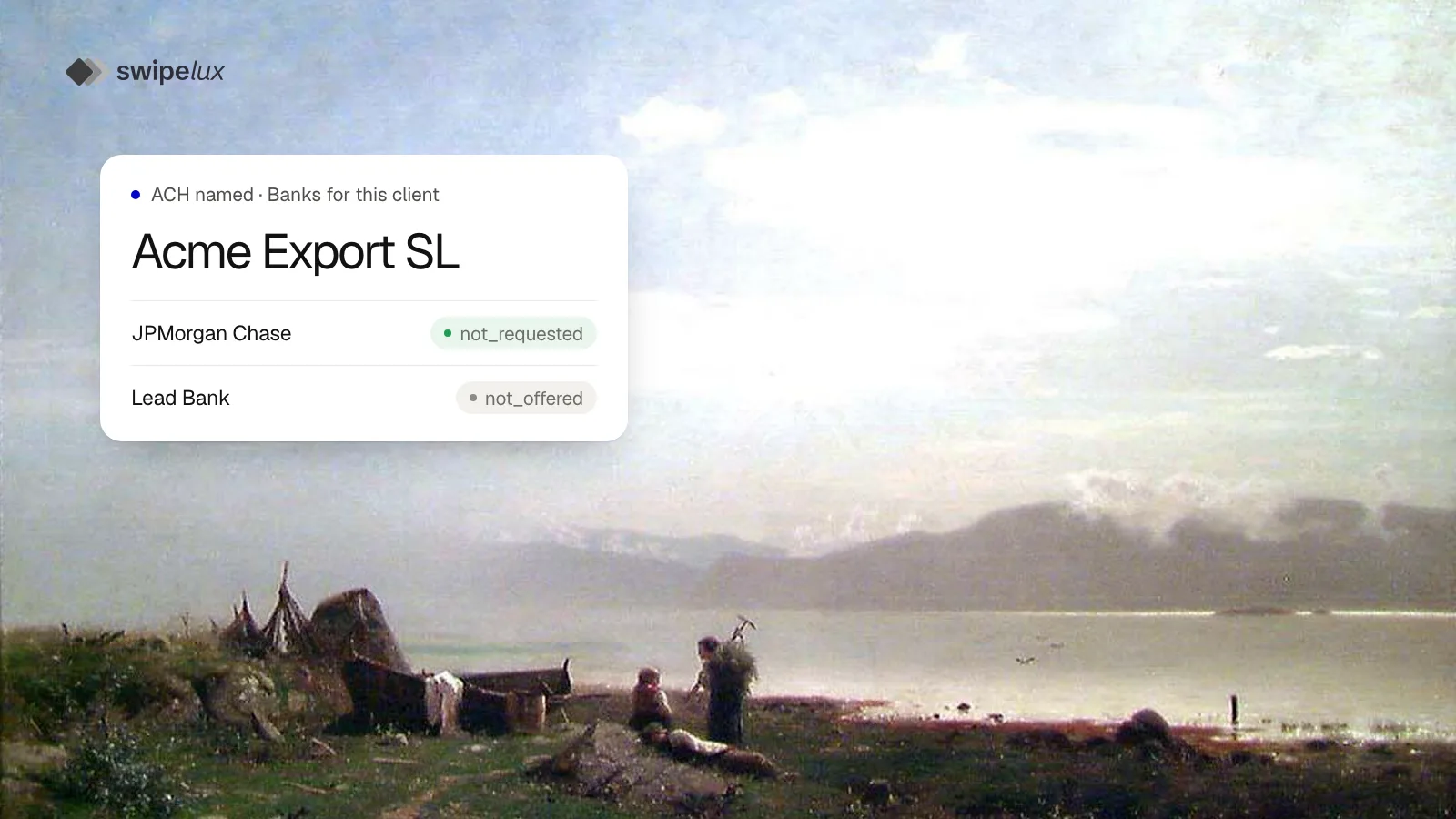
A partner bank accepts or turns down each client by its own rules: the countries on the client's profile, its legal form, whether it is a business or an individual, and the Bank's review of its documents. With Swipelux, GET /v3/customers/{customerId}/capabilities/supported returns, for each named method, the banks open to the client in institutions and the banks that refuse it in unavailableInstitutions, each refusal with a reason code.
Which partner bank will accept my client?
For each client, GET /v3/customers/{customerId}/capabilities/supported lists in institutions the banks a capability request can go to, and in unavailableInstitutions the banks that do not accept the client, each with a reason code such as jurisdiction_unsupported. The Bank still reviews the client's documents after you apply.
Call GET /v3/customers/{customerId}/capabilities/supported once the client exists. Each entry in the response is one way to move money, such as ach_named or wire_pooled, and its institutions array names the banks a capability request for this client can select.
curl --request GET \
  "${API_BASE}/v3/customers/${CUSTOMER_ID}/capabilities/supported" \
  --header "X-API-Key: ***"
Continue with an entry only when availability is available or beta and eligibility.eligible is true. Each bank in institutions carries an id, a name, a logoUrl for your bank picker and an isDefault flag.
On named entries such as ach_named, the same response lists, under unavailableInstitutions, the banks that offer this method but do not accept this client. On pooled entries the list is always empty:
{
  "unavailableInstitutions": [
    {
      "id": "lead_bank",
      "name": "Lead Bank",
      "reasons": [
        {
          "code": "jurisdiction_unsupported",
          "message": "The bank does not accept customers from a country on this customer's profile.",
          "actor": "provider",
          "retryable": false
        }
      ]
    }
  ]
}
A bank never appears in both lists. A bank in neither list is left out for a reason unrelated to this client, for example because it does not offer that method. The capabilities guide describes every field.
Why do banks turn some clients down?
Banks turn clients down because the bank, not the platform, answers for who holds an account there. US regulators state that a bank working through a fintech or another third party keeps full responsibility for complying with the law, in the FDIC, Federal Reserve and OCC joint statement of July 2024. So each bank sets its own risk appetite: which countries, legal forms and types of customer it takes. It then reviews every application on top of that.
The reasons fall into two groups:
- Rules you can see before you apply. A bank does not accept a country on the client's profile, the client's legal form, or the client's type. The supported-capability response shows these as reason codes.
- Findings of the review. The bank cannot verify who owns or controls the company, the documents do not match the profile, or the business model or its countries sit outside what the bank takes. Under the beneficial ownership requirements of FinCEN's CDD rule, a US bank identifies and verifies each individual who owns 25% or more of a company, its ultimate beneficial owners, and one individual who controls it.
The FATF publishes its list of high-risk and monitored jurisdictions after each plenary in February, June and October, most recently on 30 October 2026, and calls on countries to apply enhanced due diligence to the high-risk ones. Swipelux's own jurisdiction framework does not onboard end users from FATF-blacklisted or OFAC-sanctioned countries, and its list of supported business models rejects unlicensed gambling, adult content, privacy coins and mixers, and shell entities with no physical presence.
What each reason code means, and what to do about it
Three reason codes exist today. Each reason has actor: "provider" and retryable: false: retrying the same request does not help.
| Code | The bank does not accept | What your platform can do |
|---|---|---|
jurisdiction_unsupported | A country on the client's profile | Check the countries on file. If they are right, pick a bank from institutions |
legal_form_unsupported | The client's legal form | Check legalForm. If it is right, pick a bank from institutions |
customer_type_unsupported | The client's type, business or individual | Pick a bank that takes this type |
Show an unavailable bank as disabled in your bank picker, with the reason's message beside it, instead of a generic error. Write your code so that it accepts reason codes it does not know yet, because Swipelux can add new ones. A capability request that names an unavailable bank returns 422 capability_institutions_unsupported, as described in the errors reference.
Which profile details decide the bank?
For a business, the country of registration (registration.jurisdiction.country), the country of the registered address (registeredAddress.country) and the legal form (legalForm). Send all three when you create the client with POST /v3/customers. legalForm takes one of 16 values, among them corporation, limited_liability_company, partnership, foundation, trust, investment_fund and dao.
{
  "type": "business",
  "externalId": "client_789",
  "business": {
    "legalName": "Acme Export SL",
    "legalForm": "limited_liability_company",
    "registration": {
      "jurisdiction": { "country": "ES" },
      "number": "B12345678",
      "formationDate": "2019-04-02"
    },
    "registeredAddress": { "city": "Valencia", "country": "ES" }
  }
}
Lead Bank (lead_bank) offers named ACH, Wire and SWIFT only to clients it can onboard, based on their legal form and countries. Citi (citibank) is offered only to business customers.
Which bank does Swipelux pick when you do not choose?
When a capability request omits institutions, Swipelux selects the default bank for that client, the one marked isDefault in the supported list, unless the client already has a ready application or a current application at another bank, which takes precedence.
In live mode, ach_named and wire_named default to Lead Bank when Lead Bank accepts new customers, the profile names at least one country and Lead Bank accepts every country on it, a business's profile names a legal form Lead Bank accepts, and the client has no ready application at another bank, named or pooled. Otherwise they default to JPMorgan Chase (jpmorgan). ach_pooled and wire_pooled default to JPMorgan Chase.
The default is set per client and per capability, and it changes when the client's profile changes or when a bank opens or closes its onboarding. Read isDefault each time instead of storing it. To pin a bank, send its ID in institutions.
Can you apply at another bank after a rejection?
Yes. For named accounts each client has one application per bank, and applications at different banks are independent: a rejection at one bank does not affect an application at another. To try another bank, request the capability again with that bank's ID:
curl --request POST \
  "${API_BASE}/v3/customers/${CUSTOMER_ID}/capabilities/ach_named" \
  --header "X-API-Key: ***" \
  --header "Idempotency-Key: ach-named-jpmorgan-001" \
  --header "Content-Type: application/json" \
  --data '{ "institutions": ["jpmorgan"] }'
A bank that rejected the client for good is skipped. If you name only that bank, or every eligible bank has rejected the client, the request returns 409 capability_terminally_rejected. Before you apply, GET /v3/customers/{customerId}/capabilities/{capabilityId}/tasks-preview with the same institutions shows the tasks the request would open, without creating anything.
For intake tasks that accept submission through the API, Swipelux checks the client's profile and the documents the client already uploaded, and moves each requirement they answer to in_review. Owner and related-party documents are not reused, and reuse approves nothing: the evidence is still reviewed. Before you pick the next bank, list the client's applications with GET /v3/customers/{customerId}/applications to see which bank rejected it. Correct any wrong profile value or document first, because reused evidence goes to the next Bank's review. If the first Bank's review found an ownership, sanctions or fraud concern rather than a wrong value, settle it with your compliance team before you apply elsewhere: the next Bank reviews the same facts on its own. The KYB documents guide covers what banks ask for.
How do you see where a client stands at every bank?
Read the banks array on each named entry of the supported list. It names every bank in institutions or unavailableInstitutions, plus any bank where the client has an application for that method, with the client's status there:
approved: a ready application at the bank covers this method.pending: an application asked for it and the bank has not approved it yet.refused: the bank rejected the client.not_requested: no application at this bank asks for it, and a capability request can select the bank.not_offered: the bank does not accept this client for this method.
Each bank entry also has accountOpening: now, after_approval, application or none. Decide whether to offer an account at a bank from accountOpening alone. How accounts are opened is in the guide to issuing a bank account, and the difference between named and pooled accounts decides which entries apply.
For payment platforms and neobanks with clients in many countries
On our sales calls since late August, about half of the companies that raised any objection raised compliance or eligibility: which countries and legal forms the banks take, and what happens when a bank refuses a client.
With Swipelux your onboarding screen can show each client the banks open to it as soon as its countries and legal form are on file, before any KYB task, grey out the rest with the Bank's reason, and send the application to a bank that is open to the client. For USD accounts the site lists JPMorgan Chase, Citi, CFSB, Lead Bank, Portage Bank and Zenus Bank, and the API lists which of them each client can use; the coverage page shows the countries and rails. See accounts and wallets and neobanks, or talk to sales with the countries and legal forms of your clients.
Questions people ask
What is a partner bank?
A partner bank, also called a sponsor bank, is the bank that holds the accounts a fintech platform offers its clients. The platform builds the product and the client experience. The Bank opens each account, reviews each client and stays responsible for its own compliance. Swipelux works with several partner banks, among them JPMorgan Chase, Citi, CFSB and Lead Bank in the US.
Is there an API that shows which banks will not onboard a client?
Yes, for the rules a bank applies to everyone. Swipelux's GET /v3/customers/{customerId}/capabilities/supported lists, on each named entry, under unavailableInstitutions, each bank that offers the method but does not accept this client, with a reason such as jurisdiction_unsupported. The Bank's review of documents and ownership happens after you apply, so no response can predict its outcome.
Why does a bank turn down a business client?
Because the bank answers for every account it holds. A bank refuses a client whose country, legal form or type it does not take, and it can refuse after review when it cannot verify the owners, the documents do not match the profile, or the business sits outside what it accepts. Each bank sets these rules itself. Your platform can read the refusals before applying in unavailableInstitutions, send the client to a bank listed in institutions, and correct wrong countries, legal form or documents before the Bank's review.
Can I pick any partner bank for my client?
No. A capability request can name only a bank that the supported-capability response returns for that client in institutions. Naming a bank outside that list, including one shown under unavailableInstitutions, returns 422 capability_institutions_unsupported. Within the list you choose the bank, or omit institutions and Swipelux selects the default bank for that client.
Can we resubmit a rejected client to a different partner bank?
Yes. Each client has one application per bank for named accounts, and applications at different banks are independent. A rejection at one bank does not change an application at another. Request the capability again with the other bank's ID in institutions. The request returns 409 capability_terminally_rejected when it names only a bank that already rejected the client, or when every eligible bank has rejected the client.
Do we upload the same documents again for a second bank?
Partly. When the request at the second bank opens its intake tasks, Swipelux checks the client's profile and the documents the client already uploaded, and moves each requirement they answer to in_review for the Bank's review. Missing or incompatible values, explicit correction requests, previously answered requirements and owner and related-party documents stay open, and requirements collected only through a hosted session keep their normal flow.
Which legal forms can a business client have?
Sixteen. The legalForm field accepts corporation, limited_liability_company, partnership, limited_partnership, sole_proprietorship, nonprofit, cooperative, association, professional_association, foundation, trust, investment_fund, society, dao, government_entity and other. Each bank decides which it takes; a refused form shows as legal_form_unsupported.
Do you have a list of high-risk countries?
Yes. Swipelux's no-go list of prohibited jurisdictions covers the FATF blacklist, EU high-risk third countries and OFAC-sanctioned countries, among them Iran, North Korea, Syria, Russia, Belarus, Cuba and Venezuela. A partner bank can also decline countries outside that list. On named entries, a country one bank excludes shows as jurisdiction_unsupported on that bank, while other banks can still be open.
Why does the default bank differ between clients?
Because Swipelux decides it per client and per capability, from the countries and legal form on the client's profile, the client's existing applications, and whether Lead Bank accepts new customers. Read isDefault in the supported list each time instead of storing it.
Can I test bank eligibility in the sandbox?
Partly. In the sandbox, ACH, Wire and SWIFT capabilities are served at JPMorgan Chase only, so the sandbox shows the shape of each response and the request flow but not the live set of banks. Read the live supported list for each client in production before you design screens around one bank.
Start now
- Sign up at swipelux.app/register and get your sandbox API key.
- Create a business client with its legal form and registration country, and read its supported-capability list. In the sandbox it shows JPMorgan Chase only.
- In production, show each client the banks in
institutions, grey out those inunavailableInstitutionswith their reasons, and request the capability at the bank you choose.