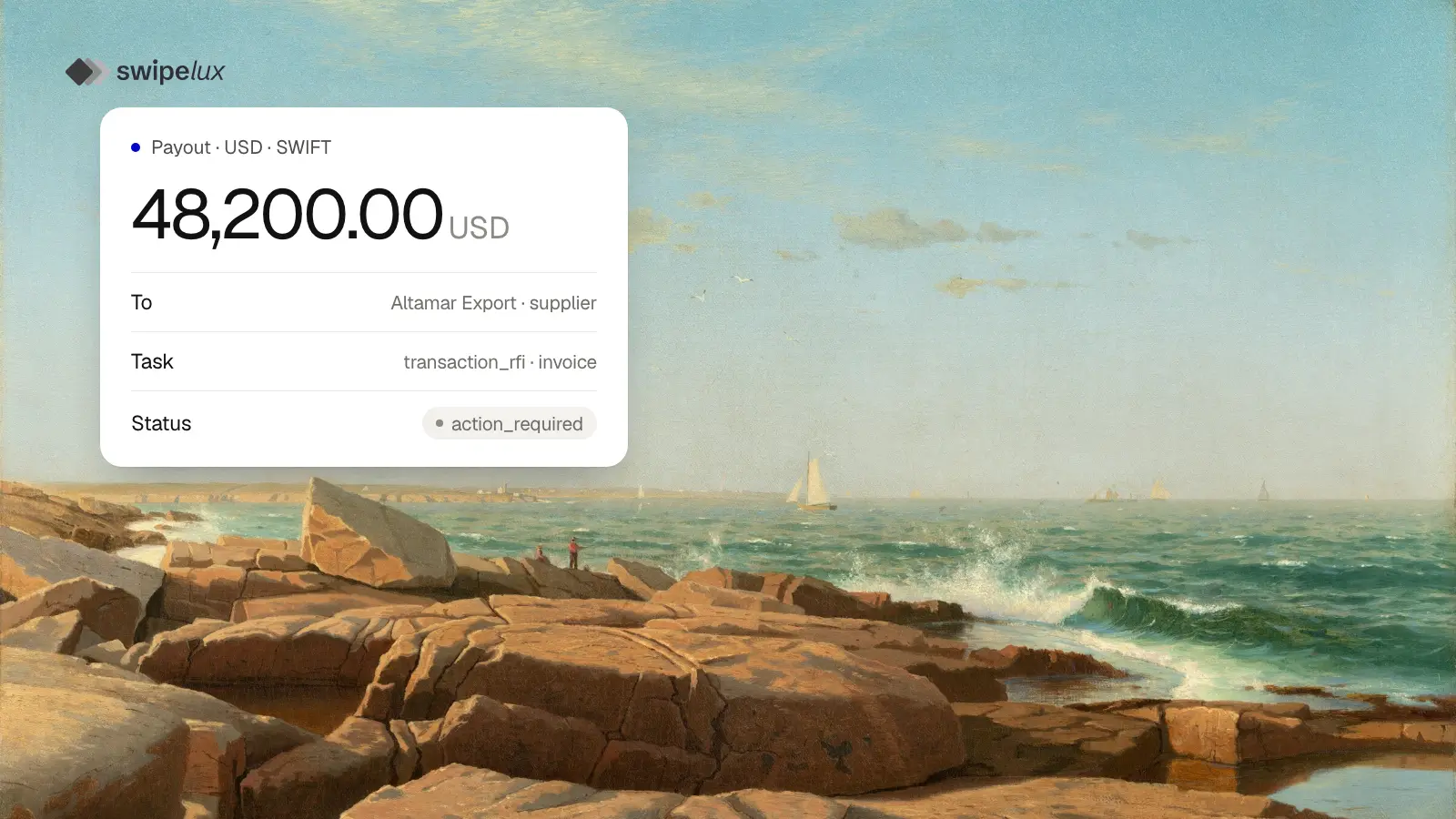
A bank RFI (request for information) on a SWIFT payout means the bank wants proof of what the payment is for before it releases it, usually an invoice or a contract. With Swipelux, when the Bank holds a USD SWIFT payout to a third party until it receives a supporting document, the transfer gets a transaction_rfi task. You upload the document, send its reference, and Swipelux forwards both to the Bank.
What is an RFI in banking?
An RFI in banking is a request for information: one bank's question about one specific payment. FATF guidance on correspondent banking describes the bank-to-bank version: when a correspondent bank's monitoring flags a transaction that could signal unusual activity, it asks the bank that sent it for information targeted on that transaction, to clarify the situation and possibly clear the alert. A held payout is the same question, asked before the money moves.
According to the same guidance, the questions can cover:
- the source of the funds;
- the rationale of the transaction between the customer and the counterparty;
- the nature of the relationship between them;
- details of the goods or services exchanged that are not in the payment details.
An RFI is not a refusal. It is the bank asking for the facts that let it finish its check. For a business paying a supplier abroad, one document answers most of those questions at once: the invoice. Other RFIs ask for source of funds documents, such as a bank statement that shows where the money came from.
Why does the bank want an invoice before it releases a SWIFT payout?
The bank wants an invoice because its monitoring needs evidence of what the payment is for. Under 31 CFR 1010.410(f), a US financial institution that sends or passes on a transfer of $3,000 or more must include the sender's name and address (and account number when paid from an account), the amount, the execution date, the recipient's bank, the recipient details it received, and the sender's bank. None of those required fields describes the goods or services.
An invoice or contract fills that gap: it names both parties, what was sold and the amount. Regulators ask for the same proof: OFAC's application for the release of blocked funds asks for documents on the underlying transaction, such as invoices and bills of lading.
Which SWIFT payouts get an invoice request?
In Swipelux, the Bank can hold a USD SWIFT payout to a third party until it receives a supporting document. The quotes and transfers guide also says that payouts to the customer's own account never get this task. The difference is the counterparty: a payout to your client's own account has no supplier whose relationship to your client needs proof.
| Payout goes to | Supporting-document task? | What the API shows |
|---|---|---|
| Your client's own bank account (first-party) | No supporting-document task | No document task in openTaskIds |
| A supplier, contractor or other recipient (third-party) | Only when the Bank holds the payout for a document | A transaction_rfi task in openTaskIds |
A third-party payout goes to a recipient's destination, the dst_ ID you quote against. First-party vs third-party payments explains why banks treat the two so differently.
What happens to the payout while the Bank checks the document?
The payout waits, and the task tells you where it stands. Each step of the check shows up in the API:
| What happens | What the API shows | What you do |
|---|---|---|
| The Bank holds the payout for a document | Transfer state is action_required; task status action_required | Upload the document and submit both answers |
| You submitted | Task status in_review; transfer state stays action_required | Wait and keep reading the transfer |
| The Bank rejects the document | The task asks for a replacement | Upload a new file and submit again |
| The Bank accepts the document | The task closes and leaves openTaskIds; the transfer leaves action_required | Nothing more to send; wait for transfer.state_changed |
| The payout completes without the Bank's approval, fails or is refunded | Swipelux cancels the task | Nothing more to send |
The transfer is action_required because Swipelux shows that state for any transfer in flight with an open transfer task. openTaskIds lists the transfer's tasks that are action_required or in_review, and is empty when nothing is open.
How long will the bank hold the payout?
Swipelux publishes no review time: the Bank decides how long its check takes. What you control is how fast the document arrives. The task carries a dueAt time, and the docs ask you to submit before it. In the capabilities and tasks guide, dueAt is informational: passing it changes nothing on the task by itself. dueAt is not the Bank's deadline, and the docs give no deadline for the Bank, so answer as soon as the task appears.
FATF's correspondent banking guidance says a bank that asks for information expects a timely answer, to the level of detail requested, and that a missing or thin answer can lead it to file a suspicious transaction report.
Can you answer a bank RFI through the API instead of email?
Yes. When GET /v3/transfers/{transferId} shows action_required and a task ID in openTaskIds, you read the transaction_rfi task at GET /v3/transfers/{transferId}/tasks, upload the invoice at POST /v3/customers/{customerId}/documents and answer at POST /v3/customers/{customerId}/tasks/{taskId}/submissions. Swipelux forwards the answer to the Bank.
1. Notice the hold
Swipelux has no webhook for a new task, so while a USD SWIFT payout to a third party is in flight, read GET /v3/transfers/{transferId} on a schedule and after each webhook. Store data.state, data.stateDetail and data.openTaskIds. An open task makes the transfer show action_required. Keep the webhook transfer.state_changed for the end of the payout: it tells you when the transfer completes or fails.
2. Read the task
When openTaskIds is not empty, list the transfer's tasks:
curl --request GET \
  "https://platform.swipelux.com/v3/transfers/${TRANSFER_ID}/tasks" \
  --header "X-API-Key: ***"
The SWIFT document task, with category: "transaction_rfi", has two requirements: a document, and the document's reference, a text of 1 to 512 characters such as the invoice number. Keep the task's id, its revision, its dueAt and each requirement's id, and read request.acceptedDocumentTypes on the document requirement.
3. Upload the invoice
Upload the file for the customer with a type from acceptedDocumentTypes, such as invoice or contract. Swipelux takes PDF, JPEG, PNG, WebP and HEIF/HEIC files up to 25 MB.
curl --request POST \
  "https://platform.swipelux.com/v3/customers/${CUSTOMER_ID}/documents" \
  --header "X-API-Key: ***" \
  --header "Idempotency-Key: rfi-invoice-001" \
  --form "file=@/path/to/invoice-2026-0412.pdf" \
  --form "type=invoice"
Store the returned data.id as DOCUMENT_ID.
4. Submit the document and its reference
Answer both requirements in one submission for the task's current revision:
curl --request POST \
  "https://platform.swipelux.com/v3/customers/${CUSTOMER_ID}/tasks/${TASK_ID}/submissions" \
  --header "X-API-Key: ***" \
  --header "Idempotency-Key: rfi-submission-001" \
  --header "Content-Type: application/json" \
  --data @- <<JSON
{
  "taskRevision": ${TASK_REVISION},
  "answers": [
    {
      "requirementId": "${DOCUMENT_REQUIREMENT_ID}",
      "answer": { "type": "document", "documentIds": ["${DOCUMENT_ID}"] }
    },
    {
      "requirementId": "${REFERENCE_REQUIREMENT_ID}",
      "answer": { "type": "text", "value": "INV-2026-0412" }
    }
  ]
}
JSON
Take every requirement ID and answer type from the latest task. If the API returns 409 task_changed, fetch the task again and rebuild the submission from its new revision. A submission can't be changed or withdrawn: the Bank reviews this task directly, and a withdrawal returns 409 submission_already_forwarded. Check the file and the reference before you submit.
5. Follow the review
The task stays in_review while the Bank checks the document. If the Bank rejects it, the task asks for a replacement: upload a new file, because a file the Bank already returned is refused with documents_already_returned.
How do you test a bank RFI in the sandbox?
You create the task yourself. In the sandbox guide, POST /v3/sandbox/tasks takes a transfer scope and the category transaction_rfi, and items describe what the customer must send. This one asks for an invoice and its number:
curl --request POST \
  "${API_BASE}/v3/sandbox/tasks" \
  --header "X-API-Key: ***" \
  --header "Content-Type: application/json" \
  --data @- <<JSON
{
  "scope": {
    "type": "transfer",
    "customerId": "${CUSTOMER_ID}",
    "transferId": "${TRANSFER_ID}"
  },
  "category": "transaction_rfi",
  "items": [
    {
      "type": "document",
      "request": "Upload the invoice for this payment.",
      "constraints": { "acceptedDocumentTypes": ["invoice"], "acceptedFormats": ["pdf"] }
    },
    { "type": "explanation", "request": "Give the invoice number." }
  ]
}
JSON
Answer it as in production: the document item with a document answer, the explanation item with a text answer. Then decide it with POST /v3/sandbox/tasks/{taskId}/review, once with "outcome": "rejected" to build the replacement path and once with "accepted".
For platforms whose business clients pay suppliers abroad
If you run a B2B payment platform or a business neobank, your clients' supplier payments are the third-party USD SWIFT payouts the Bank can hold. The fastest answer to an RFI is one you collected before it was asked. Ask your client for the invoice and its number when they create the payout, store both with the transfer, and answer the transaction_rfi task from your own records as soon as it appears in openTaskIds. Your client is asked again only if the Bank rejects the document.
The same task endpoints answer the Bank's questions at onboarding, for platforms serving importers and exporters or payment platforms and neobanks. For the documents asked at onboarding, see KYB requirements. To walk through your payout flow with us, talk to sales.
Questions people ask
What does RFI mean on a wire transfer?
RFI means request for information. On a wire or SWIFT transfer it is a bank's question about one specific payment: why it is being made, who the counterparty is, and where the money comes from. FATF's correspondent banking guidance describes it as a targeted request a bank sends when its monitoring flags a transaction, to clarify the situation and clear the alert.
Why is my wire transfer on hold?
An international wire transfer on hold usually means a bank in the payment chain wants more information before it lets the payment go, most often evidence of what the payment is for. With Swipelux, when the Bank holds a USD SWIFT payout to a third party for a supporting document, the transfer gets a transaction_rfi task and its state shows action_required.
Which documents does the bank accept for a SWIFT payout?
An invoice or a contract, among the types the task lists. Read request.acceptedDocumentTypes on the document requirement and upload the file with one of those types. The task also asks for the document's reference, such as the invoice number, of 1 to 512 characters.
Does a payout to my client's own account need an invoice?
No. In the Swipelux docs, payouts to the customer's own account never get the supporting-document task. The task opens on USD SWIFT payouts to a third party, such as a supplier or contractor, where the Bank wants to see the relationship between your client and the payee.
How long does a bank RFI take?
Swipelux publishes no review time, because the Bank decides how long its check takes. The part you control is your answer: the task shows a dueAt time, and the docs ask you to submit before it. A platform that stores each supplier invoice when the payout is created can answer as soon as it sees the task.
What happens if the bank rejects the invoice?
The task asks for a replacement. It takes one file per answer, so upload a new file and submit it with its reference for the task's current revision. If you send a file the Bank already returned, Swipelux refuses it with documents_already_returned.
What happens if we never answer the RFI?
The payout stays held until the Bank receives a supporting document. If the payout then fails or is refunded, Swipelux cancels the task. On the task, dueAt is informational: passing it changes nothing by itself. FATF also notes that a slow or incomplete answer can lead a bank to file a suspicious transaction report.
Can we change a submission after we send it?
No. The Bank reviews this task directly, so the submission can't be changed or withdrawn; a withdrawal returns 409 submission_already_forwarded. If the Bank rejects the document, the task asks for a replacement and you submit again for its current revision.
Is there a webhook for a bank RFI?
No. Swipelux's webhooks cover accounts, applications, capabilities, customers, destinations, recipients and transfers, and none announces a new task. Read GET /v3/transfers/{transferId} on a schedule while the payout is in flight; when openTaskIds is not empty, fetch the transfer's tasks to find the transaction_rfi one. transfer.state_changed tells you when the payout completes or fails.
Can we test a bank RFI in the sandbox?
Yes. Create a task with POST /v3/sandbox/tasks, scoped to a sandbox transfer, with category: "transaction_rfi" and a document item. Answer it the way you would in production, then accept or reject it with POST /v3/sandbox/tasks/{taskId}/review to see both paths, including a request for a replacement file.
Start now
- Sign up at swipelux.app/register and get your sandbox API key.
- Create a sandbox
transaction_rfitask on a test transfer, upload an invoice and submit it with its number. - Read your in-flight SWIFT payouts for
openTaskIdsand answer a hold from the invoice you already stored.