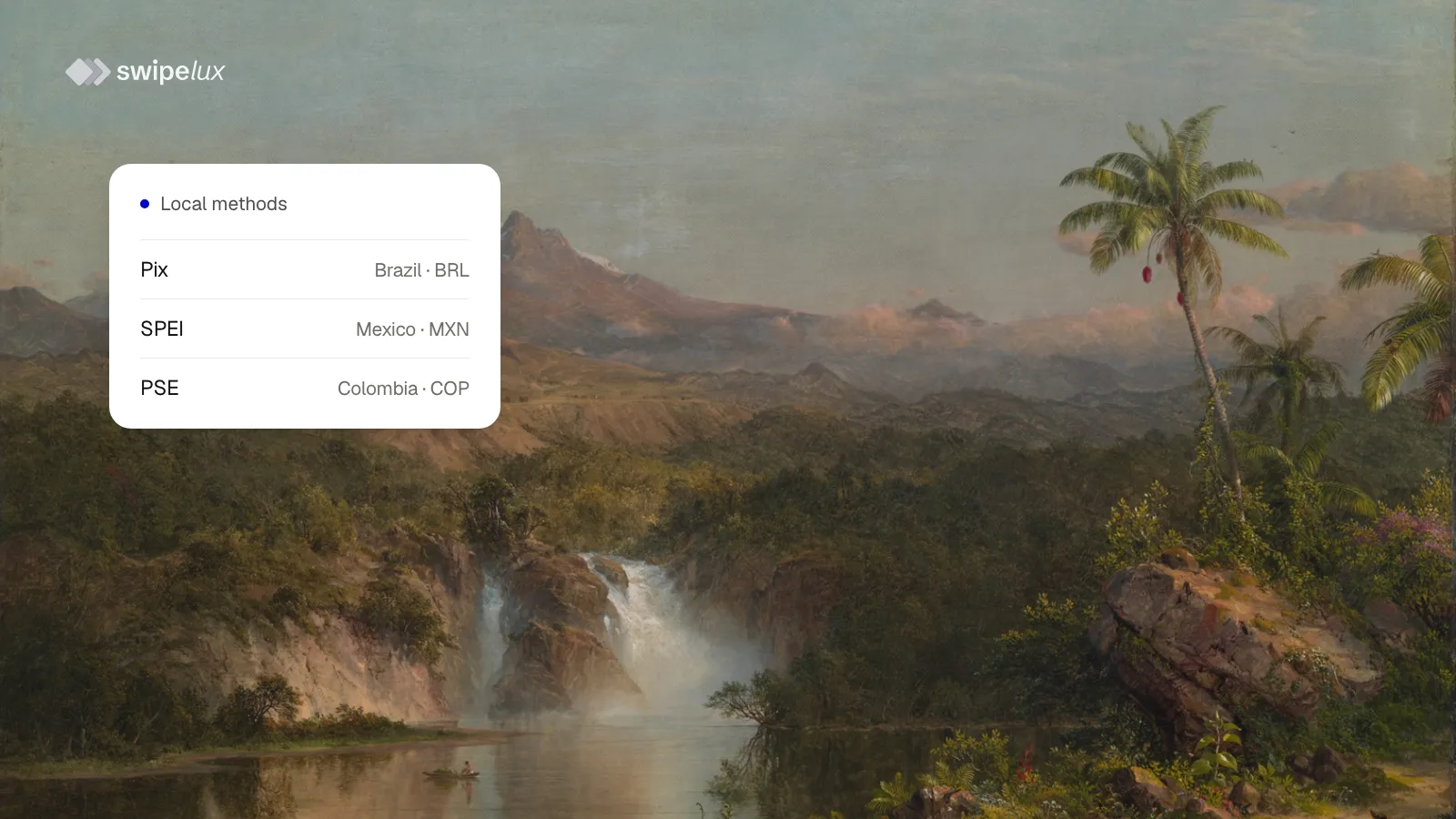
Pix in Brazil and SPEI in Mexico both collect and pay out. PSE in Colombia only collects, so a Colombian payout goes to a bank account. Swipelux offers them through one API (pix_pooled, spei_pooled, pse_pooled): you collect BRL, MXN and COP, hold the balance as USDC, and pay out to a Pix key, a CLABE or a Colombian bank account, funded in USD, EUR or stablecoins.
Pix vs SPEI vs PSE: country, currency, identifier, speed and hours
Pix and SPEI are push transfers: the payer sends the money from their banking app to a Pix code or a CLABE. PSE needs a bank login: the payer approves a debit inside their bank's online banking. For a PSE pay-in, the Swipelux API asks for the payer's bank code and a CC or NIT document before it returns the payment link.
| Method | Country and currency | Identifier | Speed and hours |
|---|---|---|---|
| Pix | Brazil, Brazilian real (BRL) | Pix key or QR code | A few seconds, 24 hours every day |
| SPEI | Mexico, Mexican peso (MXN) | 18-digit CLABE | Seconds; guaranteed 24/7 only up to 1,500 UDIS |
| PSE | Colombia, Colombian peso (COP) | The payer's own bank login | Online, 24 hours a day, every day of the year |
Which methods does Swipelux support for collection and payouts in Brazil, Mexico and Colombia?
Swipelux Payments collects and pays out in all three countries: Pix in Brazilian reais, SPEI in Mexican pesos, and PSE collections with bank-account payouts in Colombian pesos.
| Country and method | Collect | Pay out to | Typical arrival, once sent |
|---|---|---|---|
| Brazil, Pix (BRL) | Pix code to paste into a banking app | Pix key, or a Brazilian bank account | Seconds, around the clock |
| Mexico, SPEI (MXN) | CLABE details and a payment reference | 18-digit CLABE | Minutes |
| Colombia, PSE (COP) | Hosted PSE payment page | Colombian bank account | Same day |
| Argentina, Transfers 3.0 (ARS) | CBU details and a payment reference | 22-digit CBU | Minutes |
Each method is a capability you request per customer: pix_pooled, spei_pooled, pse_pooled or transfers_3_0_pooled. Capability ids are direction-free: GET /v3/customers/{customerId}/capabilities/supported returns the directions (payin, payout), availability and eligibility of each one for that customer (see Capabilities and tasks).
Fund the customer's wallet in USD by ACH, wire, RTP or SWIFT, in EUR by SEPA, or with a stablecoin deposit. Between the two legs it holds USDC.
How do I collect and pay out by Pix, SPEI and PSE through the API?
You collect and pay out by Pix, SPEI and PSE with the same three steps in both directions: a quote, a transfer and a webhook. Every request carries your X-API-Key. Every POST shown here carries an Idempotency-Key: a new one for each operation, and the same one when you retry it.
Collect by Pix, SPEI or PSE
Quote the pay-in with the customer's pix_pooled, spei_pooled or pse_pooled capability and their wallet as destinationId. For PSE, add a payer object with the payer's bank code, full name, tax ID, document type (CC or NIT) and number, email and phone. Create the transfer, then read its instructions:
GET /v3/transfers/{transferId}/instructions
{ "data": { "transferId": "tr_...", "instructions": { ... } } }

instructions for Pix:
  { "type": "code", "method": "pix", "amount": { ... }, "code": "..." }

instructions for SPEI:
  { "type": "bank", "method": "spei", "amount": { ... },
    "details": { "clabe": "..." },
    "reference": { "value": "...", "required": true } }

instructions for PSE:
  { "type": "redirect", "method": "pse", "amount": { ... }, "url": "https://..." }
Show the payer the Pix code, the CLABE and reference, or the PSE page. Each set belongs to one transfer, so never reuse it. The Receive funds guide has every field.
Pay out to a Pix key, a CLABE or a Colombian bank account
Create the recipient once with POST /v3/customers/{customerId}/recipients, then add where they get paid. The customer's capability for that method must be ready first, or the request returns 409 rail_not_ready. Send a CPF or CNPJ key in digits only, and a phone key as +55 and 10 or 11 digits:
POST /v3/customers/{customerId}/recipients/{recipientId}/destinations
{
  "type": "pix",
  "currency": "BRL",
  "details": {
    "pixKey": "jason@example.com",
    "accountHolderName": "Jason Swipelux"
  }
}
For Mexico, the destination is the CLABE:
{
  "type": "spei",
  "currency": "MXN",
  "details": {
    "clabe": "032180000118359719",
    "accountHolderName": "Ana Torres"
  }
}
For Colombia, it is a bank account. The type is pse, and all six fields are required:
{
  "type": "pse",
  "currency": "COP",
  "details": {
    "bankCode": "...",
    "accountNumber": "...",
    "accountHolderName": "...",
    "documentType": "...",
    "documentNumber": "...",
    "email": "..."
  }
}
A pix_safe destination pays a Brazilian bank account instead of a key: the holder's CPF or CNPJ, the bank's 8-digit ISPB code, the branch, the account number and type, and the holder's name. Then quote from the customer's USDC wallet:
POST /v3/quotes
{
  "customerId": "cus_...",
  "capabilityId": "pix_pooled",
  "in": { "amount": "150.00", "currency": "USDC", "accountId": "acc_..." },
  "destinationId": "dst_...",
  "out": { "currency": "BRL" }
}
The quote returns the rate, the fees and the amount in reais, and holds until its expiresAt. Swipelux prices a Pix quote only after the destination's bank details are approved. Until then POST /v3/quotes returns 400 validation_error, so add recipients before the day you pay them. Only USDC funds a BRL payout, and a Pix payout carries no developer fee: if the source account has one, set fees.breakdown.developer to zero in the quote. For a CLABE, quote with the customer's SPEI capability and MXN.
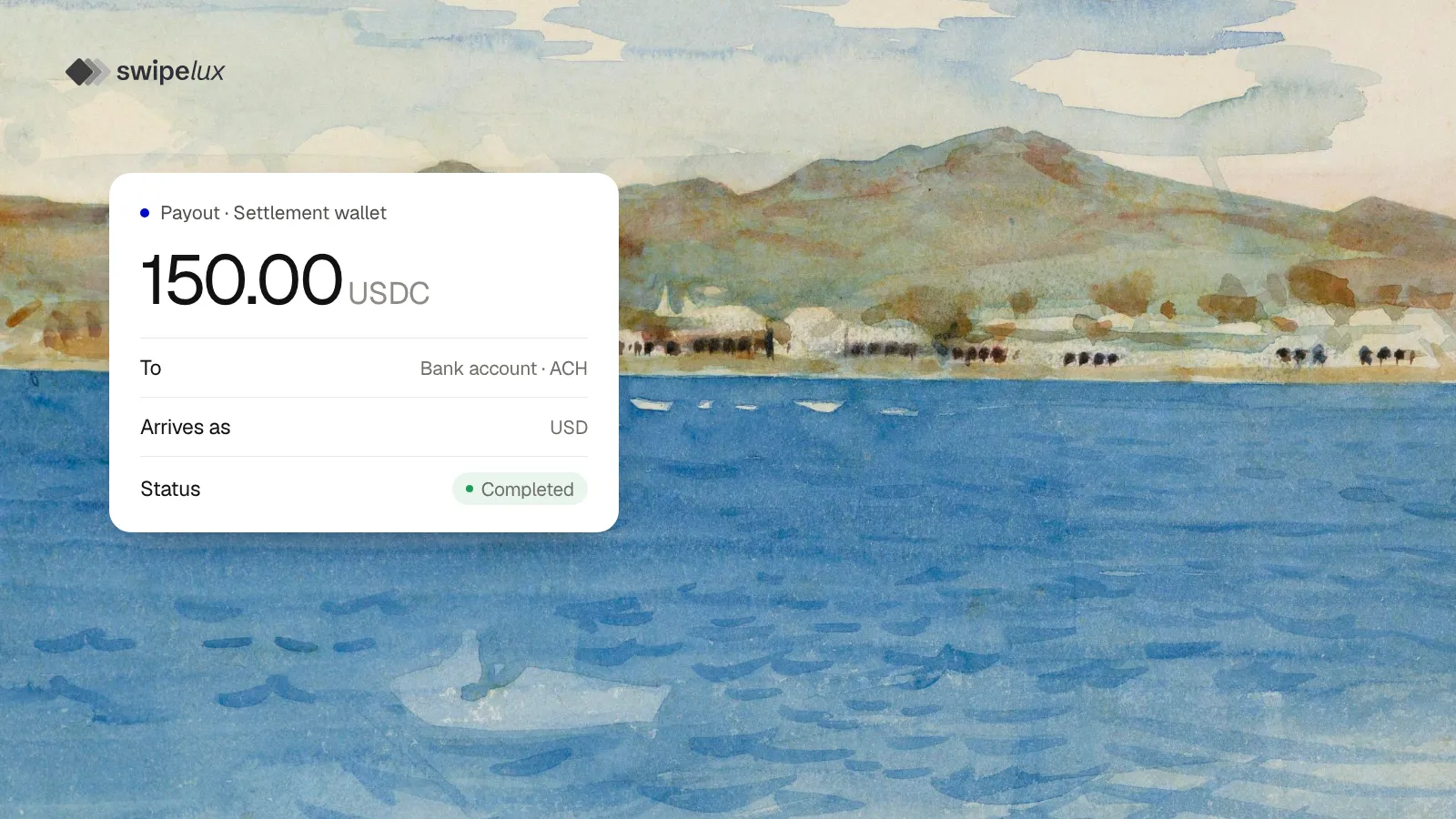
Execute the quote with POST /v3/transfers and the quoteId, then follow transfer.state_changed webhooks to completed, failed or canceled. See Recipients and destinations, Send funds and our guide to paying USDC to a bank account.
How a remittance company collects by Pix or SPEI and pays out
A remittance company creates each sender as a customer and runs the same requests in two directions. Swipelux verifies each sender: your app opens the hosted identity check from the sender's task, which covers the ID document, a selfie and proof of address.
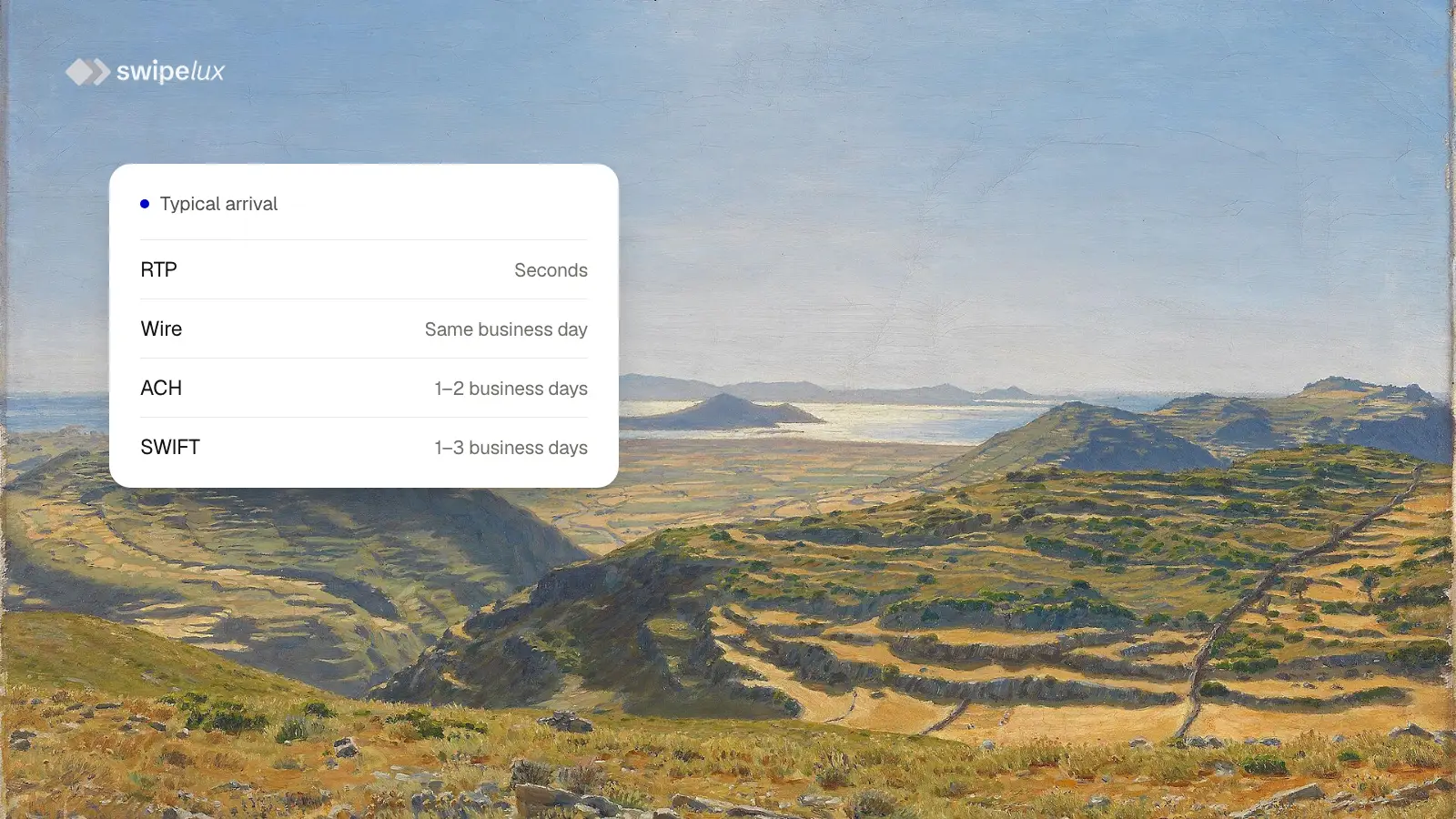
- Out of Latin America. The sender pays MXN by SPEI, or BRL by Pix, and the money settles in the sender's wallet as USDC. Your app shows the rate, your fee and the exact amount. Delivery is in USDC to a wallet on the same network, or by SWIFT in USD. A USD SWIFT payout needs a ready SWIFT capability, a wallet on Ethereum, Base or Polygon, and at least 100.00 USD after fees, and typically takes 1–3 business days once sent (how SWIFT compares with ACH and wire).
- Into Latin America. The sender funds in USD by ACH or wire, in EUR by SEPA, or in USDC. You save the recipient once with a Pix key, a CLABE or a Colombian bank account, quote the amount in BRL, MXN or COP, and send. That is a third-party payout.
How a payroll or freelancer platform pays contractors in Brazil, Mexico and Colombia
A payroll or freelancer platform funds one wallet per employer and pays each person on their local method. You need each person's local details (a Pix key, a CLABE, or a Colombian bank account with the holder's ID) and one quote per payout.
- Verify the employer with KYB. The API returns eligibility for each customer and method, so read it before you promise a country.
- Save each person as a recipient with the relationship
contractororemployee. - The employer funds the run in USD by wire or ACH, in EUR over SEPA, or in USDC. Bank details are issued in the employer's legal name, and each deposit is converted and credited to its USDC wallet.
- Each payout is its own quote and transfer, with the exact amount in the contractor's currency. The API has no batch call.
- Contractors receive BRL over Pix, MXN over SPEI or COP in their Colombian bank account. For stablecoin payouts, send USDC to the contractor's own wallet on the same network.
What to collect from each contractor: Pix key, CLABE or bank account
In Brazil, ask for a Pix key and the account holder's name. In Mexico, ask for the 18-digit CLABE, which contractors know as their CLABE interbancaria, and the holder's name. The pix and spei destinations have no tax ID field, so that is the whole request. In Colombia, ask for the bank (you send its code), the account number, the account holder's name, their ID document type and number, and their email. The destination has no account-type field, so you do not ask whether the account is savings or checking. Every recipient also needs a postal address before you add a bank destination.
Swipelux's coverage page gives same-day arrival for Colombian payouts. ACH Colombia lists interbank transfers for business days, so send Colombian payroll on a business day. For a country outside these three, or volume pricing, talk to sales.
What is Pix in Brazil?
Pix is Brazil's instant payment scheme, created by Banco Central do Brasil and live since 16 November 2020. A Pix payment moves Brazilian reais between two accounts in a few seconds, 24 hours every day. Pix has no minimum amount, and each institution can set a maximum per payer.
A Pix key is an alias for the payee's account: a phone number, an email, a CPF or CNPJ taxpayer number, or a random key.
The payer cannot cancel a Pix once it is sent, but the money can still come back. Under the Special Return Mechanism (MED), in operation since 2021, the balance in the receiving account is blocked after a fraud report and the amount is returned in proven cases of scams, fraud or crime. Since 2026 the block and the return can also reach the other accounts the money moved through. On Swipelux, a transfer whose funds are returned or reversed after it completes carries a correction object in transfer reads, so read it before you treat a Pix pay-in as final.
In 2025 Pix processed almost 80 billion transactions worth more than R$35 trillion, according to the central bank's Pix management report. Pix carries domestic transfers only, so cross-border payouts need a provider with accounts in Brazil.
What is SPEI in Mexico, and what is a CLABE number?
SPEI is Mexico's interbank electronic payment system, developed and operated by Banco de México since 13 August 2004. SPEI payments run between accounts at different institutions, in pesos, inside Mexico. The system runs on a 24/7 schedule and settles in real time, but the deadline for the receiving institution to credit the payee depends on the hour, the amount and the kind of institution.
A CLABE is the 18-digit Standardized Bank Code that identifies one Mexican bank account. To send a SPEI transfer you need the payee's CLABE, or the 16-digit debit card number or 10-digit mobile number linked to the account, as the central bank's SPEI guide explains.
What is PSE in Colombia, and how is Bre-B different?
PSE (Pagos Seguros en Línea) is ACH Colombia's online payment button. The payer approves a debit in Colombian pesos from their savings, checking or electronic deposit account. The PSE button is a way to collect money, not to send it.
To send money, ACH Colombia's product for payroll, suppliers and third parties is the interbank ACH transfer. It runs on business days, while the PSE button is available 24/7.
Bre-B, the interoperable instant payment system of Banco de la República, went into full operation on 6 October 2025, runs 24/7/365, limits an instant transfer to 20 seconds and caps it at 1,000 UVB. The Swipelux API has no Bre-B destination: a Colombian payout goes to a bank account.
Questions people ask
Is CLABE the same as a routing number?
No. A US routing number identifies a bank, and a payment still needs the account number. A CLABE is one 18-digit number for a single Mexican bank account, so a SPEI payout needs only the CLABE and the account holder's name. A CLABE is not a SWIFT code or an IBAN either.
Can PSE be used for payouts in Colombia?
No. A payout in Colombian pesos is a transfer to the recipient's bank account. In the Swipelux API that destination has the type pse but holds bank account details: the bank code, the account number, the account holder's name, their ID document type and number, and their email.
How long does a SPEI transfer take, and does SPEI work on weekends?
Seconds on a banking day; nights and weekends depend on the amount and the receiver. Banco de México's rules give a receiving bank 30 seconds on a banking day from 06:00, and five seconds at any hour for up to 1,500 UDIS (about 13,000 pesos). Banks must credit larger overnight or weekend transfers by 06:00:05 on the next banking day, and non-bank receivers any overnight transfer by 06:00:30.
Do Pix and SPEI run through local partners?
Yes. Swipelux's local partners are Stark Bank in Brazil and NVIO Pagos in Mexico, both named on its coverage page. You integrate once with Swipelux, which runs KYB review, sanctions and PEP checks, and transaction monitoring behind your product.
Are the LATAM collection accounts named or pooled?
Pooled. Each Pix, SPEI or PSE pay-in gets its own instructions: a Pix code, a CLABE with a reference, or a PSE link. The API issues reusable bank details in a client's legal name for bank methods such as ACH, wire, SWIFT and SEPA; it has no issued account for Pix, SPEI or PSE.
What does a payout to Brazil, Mexico or Colombia cost?
One transaction fee of 0.01–0.5% per transfer, set by corridor and volume. Bank charges pass through at cost, and the FX rate and spread are in the quote before you execute. You can add your own fee per client, except on a Pix payout, which cannot carry a developer fee. Pay as you go has no platform fee and no minimum commitment.
Which other Latin American countries does Swipelux cover?
Argentina is the only other country with a local bank method: Transfers 3.0, in Argentine pesos. Chile, Peru, Uruguay, Paraguay, Bolivia, Costa Rica, Panama, the Dominican Republic, Guatemala, Honduras, El Salvador and Belize are on the coverage page as on request, for cards and stablecoins, with no local bank method.
How do I check whether a customer in Latin America is eligible?
Read it from the API. GET /v3/customers/{customerId}/capabilities/supported returns eligibility for every method, with a reason when the customer is not eligible, and the capability's open tasks list the documents and answers still needed. The coverage page shows where each method is live.